Fry the last frame of videos to upload to TikTok. Edit memes by frying images or GIFs from the photo library or Gfycat. Share finished memes to camera roll or via iMessage as stickers. Open created memes in TikTok and Snapchat.
Edit photos by removing and replacing backgrounds using AI-powered tools. Cut out people or objects with precise edges. Add custom backgrounds, blur backgrounds, or erase unwanted areas. Save edited images in various formats.
Edit photos into customizable grids with layout options, shapes, and frames. Add text and messages. Apply filters and effects. Stitch multiple images into a single composition. Export and share edited collages.
Edit screenshots with redact, highlight, underline, strike, blur, blend, and pixel tools. Create and customize screenshots with notes, text overlays, GIFs, and device mockups. Adjust shadows and fillets for precise styling.
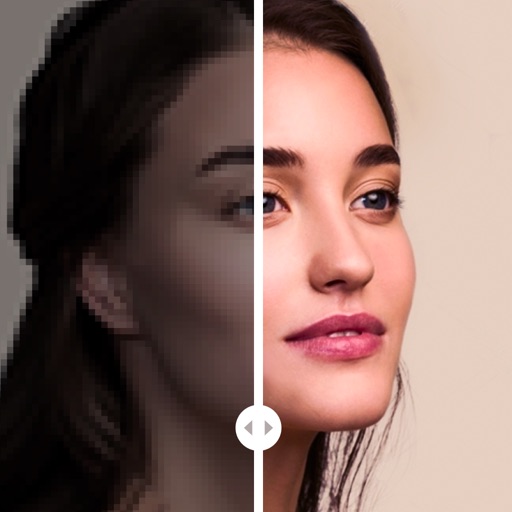
Take high-resolution ID photos and save them with proper formatting. Automatically remove backgrounds and adjust skin tone. Choose from various outfits and backgrounds. Edit for brightness and clarity.
The app offers a large collection of Hollywood special effects for photo editing. Users can add professional composition tools like color correction, motion blur, and fog to their images.
Edit photos with vintage effects, artistic filters, and professional adjustment tools. Crop, resize, and enhance images. Add text and stickers. Export in multiple formats and share directly. No registration, ads, or watermarks.
Photos by automatically detecting foreground and with a smart selection tool. Refine edges using an on-screen brush for precise adjustments. Choose from over 15 effects to customize the appearance. Export edited images directly.
The app allows users to post entire photos on Instagram without cropping. It offers a colorful background option and direct sharing to Instagram, Facebook, and X.