Manage tasks and track point values through an account on an EMP server. View data in table format or as graphs. Set and monitor privileges for access control.
by Entronix, LLC★ 5.01 ratingsProductivityFreeData updated 2026-09-06
Create and manage timetables with multiple class schedules. Plot classes, activities, or notes by subject or period. Customize colors for subjects and rearrange items via drag and drop. View organized schedules in a planner format.
Measure click-through rate with CPS ( per ) calculations. Track click speed over time. View performance graphs after each . Save historical click rate data. Compare click rates across sessions.
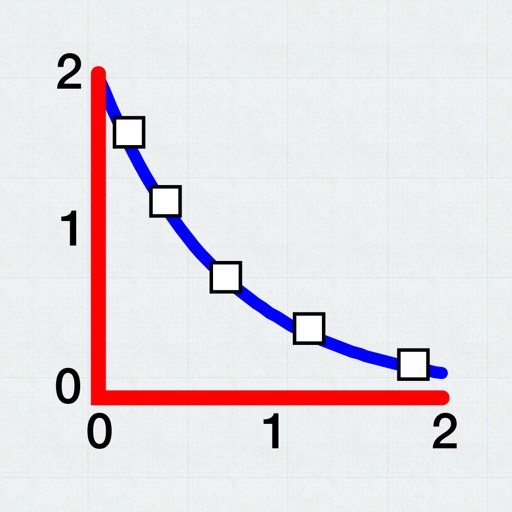
Allows users to plot and fit x, y data pairs. It supports curve fitting, value prediction, and kinetic data analysis. Data can be entered manually or imported from text or CSV files. Users can perform statistical analysis and generate graphs.
Access alerts, monitor server status, and view performance metrics. Track incidents, receive notifications, and manage configurations remotely. View historical data and generate reports directly from the mobile interface.
The app allows booking working time with absence reasons and viewing a weekly journal. It provides a detailed view of time account values and shows colleagues' current working status.
Comprehensive well management system for professionals.
The app provides well management features for various pumping unit types. Users can view live data, analyze system performance with graphs, and control wells remotely.
Monitor cellular data usage with real-time tracking and historical data views. Check interface details including IP addresses and data statistics. Analyze local performance and device connectivity.
The app operates entirely offline, requiring no internet connection. It offers features like quick ordering, table layout management, and inventory tracking.
Configure shadowsocks, socks5, vmess, and trojan server details. Detect and insert nodes from valid JSON configurations. Scan QR codes for ss or vmess protocols to add new nodes. Support premium nodes in US, Germany, and Singapore.
View and pay bills directly. Access past payments and historical usage data in graph form. Manage payment schedules and notifications. Set up automatic payments and receive alerts for due dates.
Track workouts, log exercises, sets, reps, and weights. View progress in a calendar format. Set and monitor fitness goals. Sync data across devices. Export workout history.
The app allows users to view and manage various document formats. The app supports multiple file types and offers customization options for viewing and organizing documents.
Identify banknotes by pointing camera at them. Recognize values in multiple currencies. Receive unique vibration feedback. Convert values to home currency. Function without internet connection.
Manage and organize academic with search capabilities across multiple databases. Import and store PDFs of articles. Create static and smart groups for categorization. Share for reading or importing into desktop tools.
Make and receive calls using Wi-Fi or data. Conference, split, or swap calls. Transfer calls and access contacts. Use speakerphone, mute, and hold functions. View call and voicemail indicators. Integrate with Teo Unified Communications platform.
Perform calculations with a simple or interface. Solve equations step by step and view detailed explanations. Access calculation history for review or sharing. Generate graphs for visual representation of equations.
Secure internet browsing with end-to-end encryption. Connect to free VPN servers with one click. No registration or payment required. Access unrestricted bandwidth and global server locations. Protect data from third-party tracking.
Manage research references with . Search academic databases like Google Scholar and PubMed to retrieve metadata and PDFs. Store up to 50 references locally. Access content via built-in browser with EZProxy compliance.