Edit videos with trimming, splitting, and cutting tools. Add transitions, text, and stickers. Apply filters and effects. Export in high quality. Share directly to social media platforms.
Select and rearrange up to photos from Instagram across specified years or time ranges. Create a video compilation with customizable scaling options. Access photos via Camera or Photo Library. Switch between accounts for multiple profiles.
Edit photos and videos with 300+ exportable . Adjust colors, exposure, and contrast. Apply filters and effects. Export in multiple formats and share directly.
Edit photos by dragging, resizing, or shrinking body parts to simulate transformations. Adjust facial features like nose, chin, and buttocks. Save and share modified images directly. Apply warping effects for fun or social media use.
Edit photos with cropping, filters, and adjustment tools. Share images in the community for feedback. Join photo contests and challenges. Upload and view user-generated content. Apply editing enhancements to improve photo quality.
Add date, time, GPS location, and custom captions to photos. Apply stamps directly in the Photos . Share stamped photos via email or social media. Adjust stamp appearance and position.
Create social media content with photo templates, text, and image selection. Design Instagram stories, Pinterest pins, and social posts. Share directly to multiple platforms without design skills.
Create collages by selecting images from the library. Automatically generate and arrange layouts without manual cropping or resizing. Shuffle image order as needed before finalizing the .
Capture photos with real-time grid lines and flash settings. Use one-touch beautification for selfies. Access weekly updated filters and collages. Add stickers and create collages. Share edited photos directly.
Edit photos and videos with AI-powered tools for advanced adjustments and effects. Create AI quizzes to generate celebrity -alikes and cartoon characters. Apply filters, crop, and enhance images.
Create avatars from selfies in CG and anime styles. Adjust expressions and movements in real time. nimations by speaking or tapping buttons. Share videos on social media. Customize avatars with prompts for specific appearances.
Capture photos and videos with manual controls, exposure adjustment, and focus customization. Import and organize media from iOS photo library. Edit images with filters, cropping, and brightness adjustments. Share directly to social media or email.
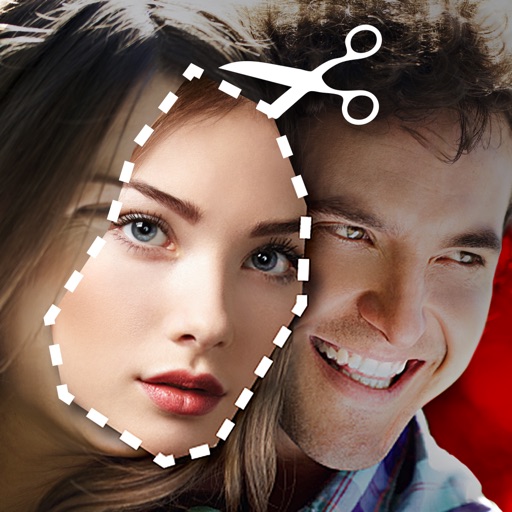
Cut photos with AI to remove backgrounds and isolate subjects. them onto new backgrounds or other images. Swap faces between photos and add missing people to family shots. Create collages by combining multiple images.
AI-generated videos and images from single photos. Upload selfies or portraits to create dance videos using TikTok-style templates. Convert photos into AI videos or studio-quality portraits. Edit and export final outputs directly.
Create VHS-style videos with camcorder effects and glitches. Record photos and videos. Adjust dates and apply filters. Edit footage with 90s-inspired tools. Share finished projects directly.
Create custom stickers from photos or images. Crop selected areas, apply templates, and send directly to WhatsApp, iMessage, Telegram, or Signal. Share personalized memes and messages with friends.
Create animations by capturing sequential images. Edit frames, add transitions, and adjust timing. Export videos and share directly to Instagram, TikTok, YouTube, and other platforms.