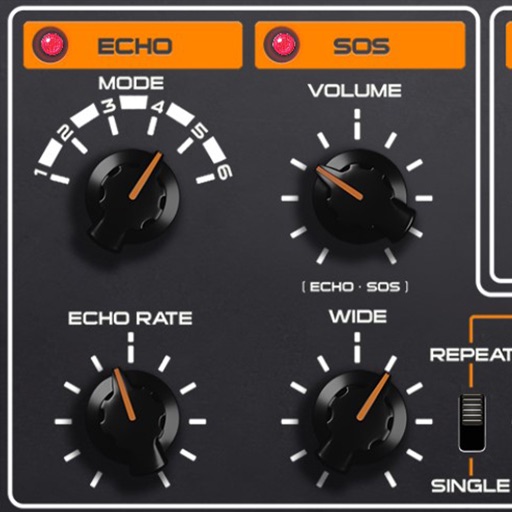
Create ambient soundscapes by applying granular reverb and pitch shifting. Use mid/side mode for precise sound manipulation. Transform sounds into drones or ambient textures. Available as AUv3 and standalone plugin.
by AudioThing Ltd.★ 5.015 ratingsMusic$6.99Data updated 2026-09-06
Record and edit with pitch shifting and key adjustment. Add backing tracks and beats. Record video with real-time audio integration. Apply effects to mimic celebrity voices. Export final audio and video files.
Create and manipulate sounds using a 16-voice polyphonic . Visualize and navigate sound design through X, Y, and Z axes. Adjust wavetables and vectors for dynamic sound shaping. Save and recall presets for custom sound configurations.
Record and mix audio tracks with multi-channel editing, effects, and automation. Import and export audio files in various formats. Use virtual instruments and MIDI support. Control tempo and key. Apply reverb, delay, and compression.
Create and arrange musical sequences using multiple playheads. Manipulate melody speed, direction, and pitch. Apply Baroque and Serialism composition techniques. Export and share projects in audio format.
The app transforms an iPhone and iPad into a premium sampler and synthesizer for music production. It offers a dual-layer rompler engine and a touch-optimized workflow for creating studio-quality music anywhere.
Create reverb effects with adjustable room sizes and filters. Modify early and late reflections, add modulation, damping, and diffusion. Use a ducker based on the dry signal. Apply effects to audio tracks in a DAW.
Record and edit audio files with precise trimming and merging. Add effects like pitch, reverb, and gain. Insert recordings indefinitely. Support audio clipping, sound processing, and ultra-high precision editing.
Create custom percussion sounds using a flexible synthesis engine. Design drum patterns with a Euclidean sequencer. Export and integrate sounds into projects. Adjust synthesis parameters for unique effects.
Edit audio files with waveform visualization. Change playback and pitch independently. Record and save modified audio. Separate stems to isolate vocals, guitars, or drums. Create backing tracks or practice isolated instruments.
Allows users to create custom delay signals using three effect racks. Effects can be inserted before, during, or after the delay loop. Users adjust signal flow by selecting and arranging effect modules across the racks.
Create and design synthesizers with modular patches. Adjust audio parameters in real time. Export sounds and share projects. Use professional-grade tools for live performance and experimentation.
Add analog effects like spring reverb, tape delay, and BBD to audio tracks. Adjust parameters for tone and timing. Integrate with digital audio workstations for real-time processing and sound design.
Create and save unlimited presets with 16 patterns each. Adjust polyphonic and polyrhythmic sequences. Sync presets to iCloud. Use as a standalone or AUv3 MIDI effect. Generate melodic patterns from played notes or chords.
Allows users to create and manipulate delay effects using a modular tree structure of delay nodes. Users can connect and adjust nodes to design custom audio effects. It functions as an audio unit v3 plugin for host applications.