Transform photos into artwork with 9 painterly styles and adjustable settings. Zoom and pan for detailed edits. Undo/redo actions prevent mistakes. Interactive art allows revealing details or adding brushstrokes. Save and share edited images.
The app connects a Rolto Printer to an iPhone for screen printing. It offers adhesive paper and options to print the current screen or entire web pages from various file types.
Import photos or files from gallery or cloud storage. Scan documents for digital copies. Edit PDFs with basic formatting tools. directly to connected printers or share via email. Manage queues and adjust settings.
Create professional with customizable and logos. Edit designs using InDesign CS5+. Include company name, address, and contact details. Export as PDF or print-ready files.
The app provides passport photo templates for 30 countries and over ten job application photo formats. Users can format, print, or save photos using a built-in editor and export them as JPEGs up to 600 DPI.
Customize home screen with personal photos. Select and crop images for . Create albums in various sizes. Apply filters and add borders or frames. Share edited photos directly.
Edit photos with filters, Santa Claus transformation, and elf effects. Add snow particles, North Pole backgrounds, and holiday text. Save and share edited images directly.
Take photos using the built-in camera. Resize images to specific dimensions. Remove backgrounds with an eraser tool. Choose background colors for ID photos. Export edited images.
The app allows users to add text to photos for sharing. It is designed for quick edits and sharing over various platforms like SMS, WhatsApp, and Instagram.
Manage print tasks and monitor print queues. Adjust print settings and track job status. Connect to printers and send print jobs directly from the device. View printer maintenance alerts and update firmware.
Generate realistic face images by uploading photos of you and your partner. Use AI face morphing to blend features. Merge couple photos to create a image. Export results in various formats.
The app allows users to resize, watermark, crop, transform, and export photos in batches. It supports various export formats and viewing options, including metadata persistence and DPI settings.
Create images by adjusting dot size and blending ratios. Apply rare effects to photos. Generate images similar to newsprints or street advertisements. Export and share modified photos.
Faces in photos using AI technology. Select images and apply swaps to create realistic results. Preview AI-generated hairstyles and try filters for instant edits. Share edited photos directly from the .
The app provides secure storage for private photos using FaceID protection. Users can organize images into folders, view them in full screen, and export them safely.
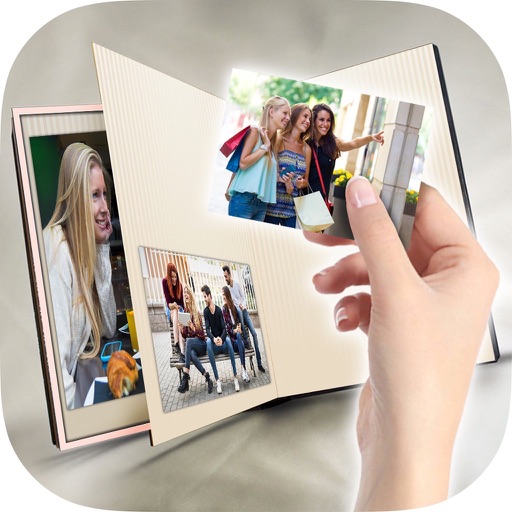
Create a photobook by selecting a format and theme. Choose photos and add text for each moment. Edit videos using selected photos and add music. Export and share the final project.
The app displays, browses, and edits images and photos from user folders and disks. It offers thumbnail browsing, folder search, zooming, slideshows, and file management functions.
The app allows users to transfer photos from their smartphone to the MK (Multi imaging Kiosk) for instant printing. Users can select desired photos from recent images and transfer them in two steps.