Print documents and photos directly from your smartphone using compatible printers. Adjust settings, select paper sizes, and manage print jobs. Connect wirelessly for high-quality prints without needing a computer.
Print documents and photos directly from an iOS device. Choose files from Dropbox or Google Drive. Customize with built-in tools. Support for 20+ file formats including PDF, DOCX, JPG, CSV, and TXT. Scan documents and photos for printing.
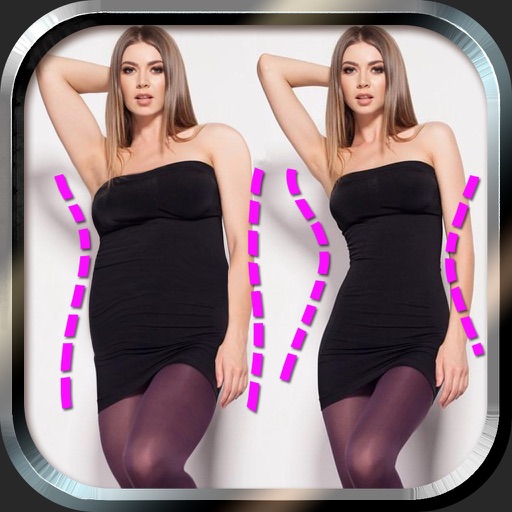
Edit photos to and body using auto-detection. Adjust and body thickness with sliders. manual edits and undo changes. Compare original and edited images. Save results to albums and share via email or social media.
Create collages with adjustable layouts and customizable frames. Crop, filter, and adjust speed. Add background music and preview instantly. Export in high resolution and share directly.
Edit photos with AI-powered and body enhancements. Smooth skin, remove blemishes, and adjust body contours. Make precise edits without altering the rest of the image. Export edited photos in various formats.
Create books by selecting images and custom layouts. Choose from various design options and shipping options. Order printed books and receive them within a few days. Share finished books via email or social media.
Documents, photos, and web pages directly from iOS devices. Select files from apps or cloud storage. Customize settings like layout, paper size, and duplex printing. Connect to wireless printers instantly.
Divide panorama photos into square pieces. Share to Instagram, Twitter, Line, and WeChat. Crop images easily. Use seven grid layouts including 12, 13, 22, 23, 33, 43, and 53. Adjust FillMode with dimensions from 1x1 to 10x10.
Plus Apps Bilisim Teknolojileri Reklamcilik Limited Sirketi
Generate headshots from photos
Upload 8-12 photos to generate professional headshots. Use AI to create realistic portraits and profile pictures. Edit generated images and export in various formats.
The app allows users to print photos from their library with flexible sizing and multiple photos per page. It offers customization with text and emoji, photo editing tools, and export options via email or PDF.
Edit photos by adding customizable from a large selection. Adjust brightness, contrast, and saturation. Crop images and apply filters. Share edited photos directly to social media or messaging apps.
Edit photos by highlighting colors, removing or changing backgrounds, and blurring specific areas. Use healing and smoothing tools for precise adjustments. Create photo montages and export edited images directly.
Create photo collages and composite images using multiple layers. Remove unwanted areas with the background eraser tool. Adjust color tones and export edited photos in various formats.
Edit photos by selecting frames in square or portrait format. Reposition, resize, and crop images within the . Customize appearance and apply filters. Preview final edits and save to photo library.
Create collages with multiple layouts and effects. Combine photos from gallery or camera. Merge videos into single clips. Add transitions and effects. Edit images with cropping and filters. Share finished collages directly.
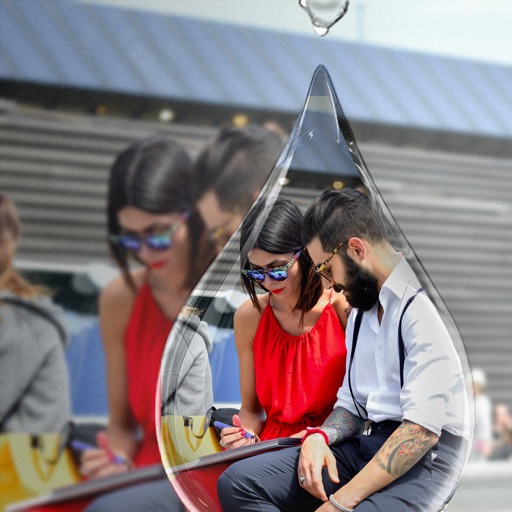
Edit photos with PIP frames, collages, and creative layouts. Add crystal bottle patterns and cartoon styles. Share edited photos directly to social media. Adjust brightness, contrast, and colors. Crop and rotate images.
Edit photos with advanced filters, manual exposure control, and RAW format support. Adjust color, brightness, and contrast. Crop and straighten images. Share edited photos directly to social media or email.