Remove unwanted , people, text, or distractions from photos. Use AI to automatically elements with a tap. Edit images by selecting areas to delete and refine the result. Save and share the cleaned-up photo directly.
Remove backgrounds or objects using AI by adding a and tapping "remove." Adjust the new background to a custom color, white, another image, a gradient, or a preset. Add text, shapes, and photos to the edited image.
Apply age-changing filters to photos to visualize future or past appearances. Adjust aging levels manually. Upload images to test age regression or forward aging. Save and share edited results.
Create videos and animations using AI-powered tools. Transform images into anime or game characters. Edit videos with style filters and effects. Add text and music. Export and share finished projects directly.
Arthur Eduardo Skaetta Alvarez Desenvolvimento de Software LTDA.
Edit photos, remove backgrounds, export PNGs
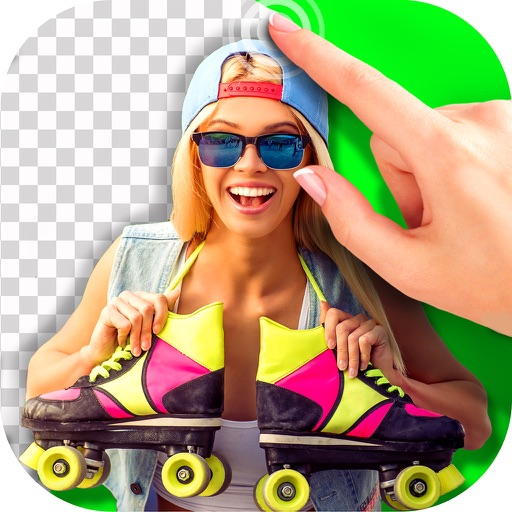
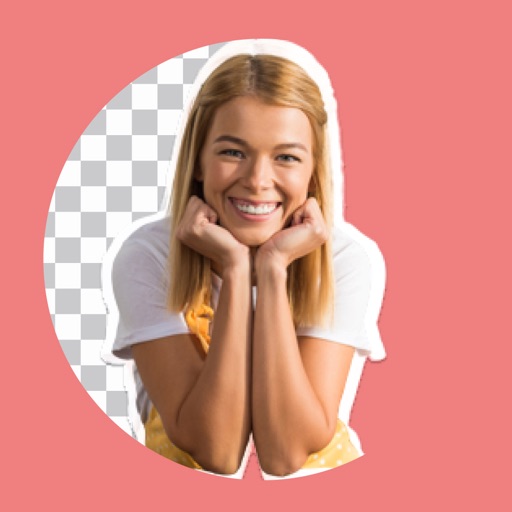
Edit images by erasing backgrounds with finger dragging or AI-powered auto detection. Maintain transparency or add custom backgrounds. Export high quality PNG files for transparent or composed backgrounds.
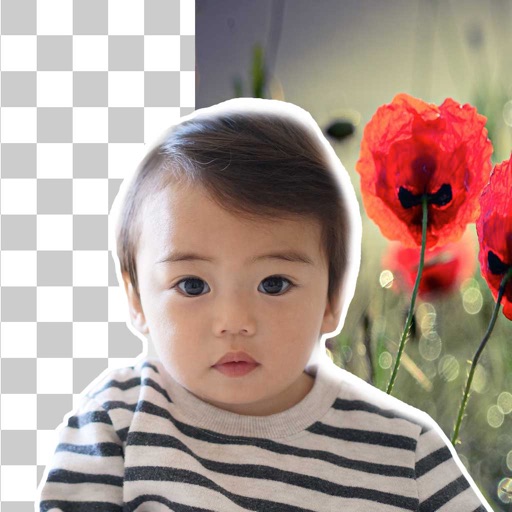
Edit photos and videos by automatically recognizing and processing backgrounds. Choose from four recognition methods including transparency, blur, and replacement. Process only the subject or apply effects like fluffy, mosaic, monochrome, or sepia.
Remove backgrounds from photos using brush tools with adjustable size and hardness. Erase selected areas with undo and redo options. Add text with customizable font and formatting. Place edited photos on various templates.
Turn photos into videos by selecting an image and removing the background. Choose from several backgrounds and apply pop effects, drop shadow, or outline. Add background music and share the final result.