Using strategy and speed to win. Compete against others with identical cards. Earn bonus points for early wins. Participate in tournaments for rewards. Track progress and climb leaderboards.
Play Gomoku, a strategy board game using a 15×15 grid. Take turns placing stones to form in a row. Compete against AI or another player locally or via iMessage.
Play with customizable board themes and adjustable difficulty levels. Choose between touch-to-move and drag-to-move controls. Track game stats to monitor progress and win records. Compete against a computer opponent.
Play games with teammates or AI opponents. Choose trump cards to win rounds. Track points to reach 7 and win. Compete on leaderboards and collect gems. Play with friends or offline against AI.
Play a or in a circle of players. Choose between answering a question or performing a . Complete the challenge and press «Done» to move to the next round.
Watch live games and view real-time statistics. Access highlight clips and share game moments. Manage team schedules, track attendance, and receive driving directions and weather forecasts.
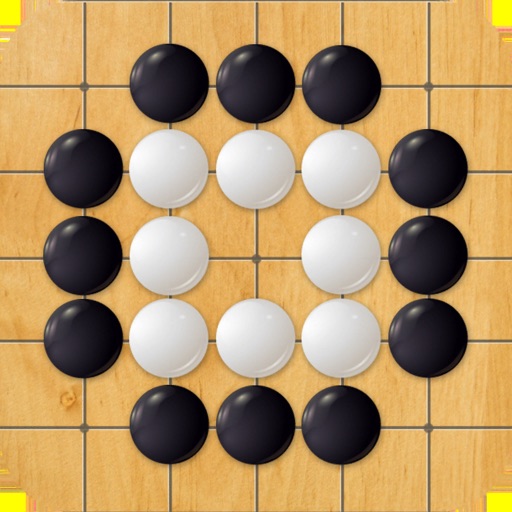
Play on a 15x15 board using black and white stones. Challenge AI opponents or play with friends. Place stones on intersections; once placed, stones cannot be moved or removed. Win by getting five in a row.
Play against 3 computer opponents using double-nine or double-twelve sets. Track player and opponent statistics. Aim to play all and go out before others. View in a large, clear display suitable for small screens.
Manage court reservations and clinic sign-ups. Track player progress and access game schedules. Connect with other members to join matches or events. Receive notifications about upcoming activities and updates.
Track and manage handicaps for groups or leagues. Calculate scores, adjust handicaps, and share results. Sync with other players, view historical data, and export reports.
Allows users to access music files stored on their PC, Mac, network drive, or Time Capsule. It scans and organizes music libraries, enabling playback on iOS devices without syncing. Users can browse and play tracks directly from their local storage.
Play by connecting 5 marbles on a board. Rotate one of 4 quadrants after each move. Win by reaching 5 first. Play against a friend or the phone. Track turns and scores during matches.
Automatically find all possible plays in With Friends™ by uploading a screenshot. View each play's score and context. Swipe through different renderings of each play. No manual entry required.
The app provides real-time statistics for teams and players, displaying the line of scrimmage and first down marker. It allows users to undo or edit plays, assign events, and calculate time of possession.
Solve puzzles with multiple difficulty levels. Select from themed . Track completion time and compare with friends. Adjust sound effects and visual themes. Share achievements socially.