Apps Like Remote Control for TV for iPhone and iPad
Your TV with your iPhone or iPad
TV functions such as power, volume, and channel navigation. Adjust input sources and mute settings. Support for multiple Smart TV brands including Roku, Samsung, LG, Sony, Amazon Fire TV, Panasonic, Philips, Toshiba, and Vizio.
by Roman Sysoiev★ 4.61,461 ratingsUtilitiesFreeData updated 2026-09-06
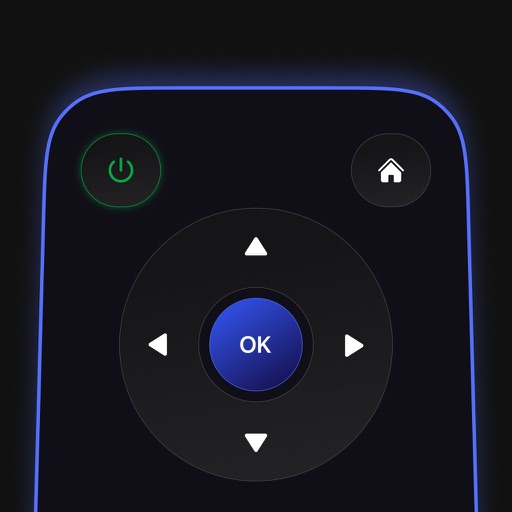
Control your TV remotely using your device. Adjust volume, change channels, select apps, and navigate menus. Use on-screen keyboard for input. Subscription required for full features.
Devices remotely to manage apps and channels. Use a built-in keyboard for searching and browsing. Navigate with advanced features. Access all apps and manage multiple devices with a premium subscription.
Cast device to compatible TVs and projectors. Mirror iPhone or iPad content without lag or delay. Cast over unsecured networks. No ads during casting. Share content directly to supported devices. Control casting with simple interface.
Smart TV functions such as channel navigation, volume, and menu access. Manage playback controls like play, pause, and stop. Adjust settings and access tools through the iPhone interface. Requires both devices to be on the same Wi-Fi network.
Your TV, LG TV, Hisense TV, Fire TV, or Roku TV remotely using an iPhone or iPad. Adjust volume, change channels, and navigate menus. Access shortcuts for frequently used functions.
Mirror iPhone to Smart TV for high-quality streaming with low latency. Select device from list, start via "" button, and adjust settings for optimal performance. Stream media including videos, photos, and music.
Mirror device screens to Samsung, Sony, PlayStation, LG webOS, Philips, TCL, Vizio, or Roku TVs. Stream photos, videos, web content, and apps like Netflix, Prime Video, and Disney+. Connect via Wi-Fi without additional hardware.
TV functions from a smartphone. Navigate channels, adjust volume, and access settings. Manage input sources and power settings. Pair with multiple TVs. Sync with smart home systems for integrated .
Control your TCL Smart TV with full access to power, volume, channels, input sources, and playback. Connect instantly via Wi-Fi and navigate using a touchpad. Adjust settings and manage playback directly from your smartphone.
TV functions such as volume, channels, and input sources from a smartphone. Connect via Wi-Fi to compatible TV brands. Adjust settings and manage streaming or gaming sessions remotely.
For allows users to control and manage their device. It automatically detects devices on the network. Users can navigate channels, launch apps, and type using a virtual keyboard. The provides a clean interface and includes all features of the .
Devices on the same Wi-Fi network. Navigate menus and content using a large touchpad. Launch channels directly from the . Search for videos and stream content.
TV channels and adjust volume remotely via iPhone or iPad. Connect to Smart TVs, Roku Player, and other devices. Access popular streaming services like Netflix and YouTube. Setup with Wi-Fi auto-detection.
Control TV functions across Sony, LG, Roku, Google TV, and Samsung devices. Navigate menus, play media, and mirror phone screen to TV. Access streaming content and adjust settings remotely.
Compatible TVs via Wi-Fi network connection. Tap, swipe, or speak to operate TV functions. Instantly pair with all compatible TVs. View and adjust settings like volume, input sources, and power.