Apps Like CoachView Slowmo Video Player for iPhone and iPad
Analyze motion, draw comparisons, share feedback
Analyze athletic performance with frame-by-frame playback and slow motion viewing. Draw lines and curves on videos for technique comparison. Share annotated screenshots with coaches or teammates for feedback.
by Firecracker Software LLC★ 4.5539 ratingsSportsFreeData updated 2026-09-06
Compress videos to storage . Adjust compression ratio or customize resolution, bitrate, and frame rate. Batch compress multiple videos. Split videos into shorter clips. Trim, crop, and compress photos. Clean up album videos to free up .
Edit videos with trimming, splitting, and merging tools. Add text, stickers, and music. Apply filters and transitions. Export in vertical 9:16 format. Share directly to TikTok, Reels, and Shorts. Supports multiple video and audio sources.
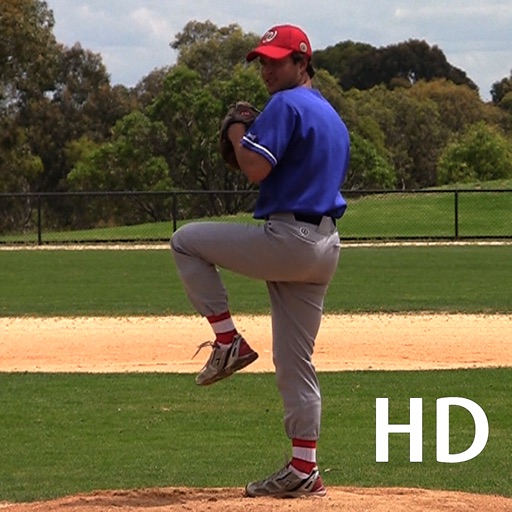
The app records video of baseball techniques for analysis. It allows comparison of user clips with reference videos and provides tools for improvement through visual feedback and annotations.
Send photos and videos to a Wi-Fi Cloud Frame for display. Add captions and comments to photos. Share up to 15 seconds of video. Invite friends to contribute content. Control the frame remotely via the .
Create videos using deep-learning frame interpolation. Add blur for rsmb effect or videos. Enhance picture and video quality with AI-driven tools. Adjust frame rate and speed. Apply de-duplication for smoother playback.
Edit videos with limitless layers, groups, and precise timeline control. Use motion tracking, keyframe animation, masking, and color correction tools. Render quickly with advanced audio reactor for real-time audio visualization and effects.
The app allows golfers to record and check their swing form and plane using video playback. Users can analyze swings in slow-motion and frame-by-frame, with options for drawing lines and comparing to professional golfer swings.
Allows users to create motion or time lapse videos. Capture frames with a full-screen view. Support for portrait and landscape orientations. Save projects for later editing. Adjust frame rate for control over video style.
Create - videos by recording high frame rate footage. Adjust playback speed with customizable presets like Fit Stories or Action. Edit clips by trimming and changing speed in specific sections. Export and share finished videos.
Create animations by capturing sequential photos. Add text and images to enhance video content. Include sound with text-to-speech options. Apply various filters for visual effects. Use voice-activated shooting to trigger camera captures.
Edit videos by importing any length footage and selecting a layout or stencil. Add text or stickers. Cut video into 15-second fragments or custom lengths. Save clips to Camera Roll in chronological order. Share edited videos on Instagram Stories.
The app allows users to create animated GIFs from photos and videos. Users can edit existing GIFs or create new ones using stop-motion mode, then share them as files or links.
Convert videos to high-quality images with frame extraction. Play videos with smooth playback and beauty enhancements. Edit and share them on social media or via email. Save edited to the camera roll. Manage exported photo files.