Create 3D scenes with 360° technology. Replace backgrounds with virtual environments. Move freely within scenes to capture photos and videos from multiple angles. Adjust lighting to match real-world conditions. Import photos to use as backgrounds.
by Elie Gebran★ 4.1122 ratingsPhoto & Video$9.99Data updated 2026-09-06
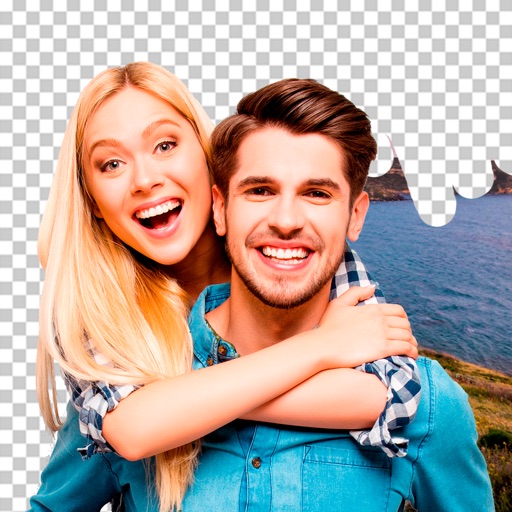
Edit photos by removing objects and changing backgrounds. elements to create montages. Adjust transparency and replace backgrounds. Save and share edited images directly.
Edit photos with distortion simulation and 170-degree wide-angle view. Use four real-world camera emulations. Apply dozens of lomo effects. Process images from the gallery. Switch between front and rear cameras. Toggle flash.
Capture with tips from professionals. Adjust exposure settings, focus, and white balance. Learn composition techniques and review photo histograms. Save and share edited images directly.
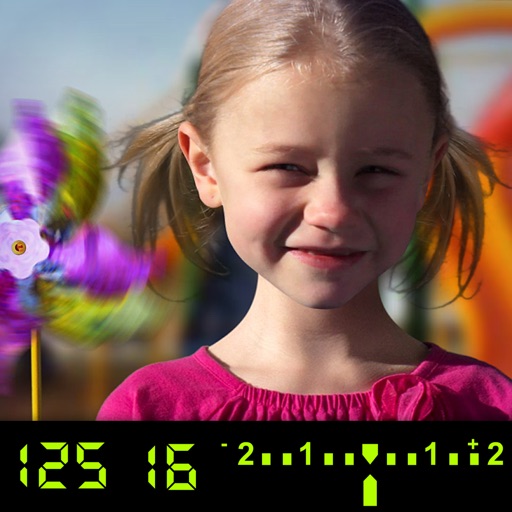
The app visually explains DSLR camera controls and allows users to experience the effects of various settings. It provides instant feedback and advice on user settings, making it a tool for learning photography.
The app calculates camera speed in frames per second and shutter angle in degrees. It is useful for cinematography with HMI or fluorescent lighting and offers selectable line frequencies of 50 Hz or 60 Hz.
Create custom widgets with 7 themes and 10+ styles including Dots, Astronomy, and Science Fiction. Add personal photos or colors as backgrounds. Choose from designs for a calming interface.