Create 3D scenes with 360° technology. Replace backgrounds with virtual environments. Move freely within scenes to capture photos and videos from multiple angles. Adjust lighting to match real-world conditions. Import photos to use as backgrounds.
by Elie Gebran★ 4.1122 ratingsPhoto & Video$9.99Data updated 2026-09-06
Capture photos and videos without storing them on your device. Share directly via social media or messengers. Choose where to save media or send it instantly. Set default preferences and switch between front and back cameras.
Measure light and color for accurate exposure settings. Use a zoomable spotmeter, RGB waveform monitor, and false-color preview. Attach Lenny Hat or Lumu™ Lite for incident readings with lux and foot-candle displays.
Capture photos and videos with one tap using AI technology. Apply film simulation to reduce sharpness and simulate film sensitivity. Adjust filters and styles freely. Enhance colors intelligently for vivid results.
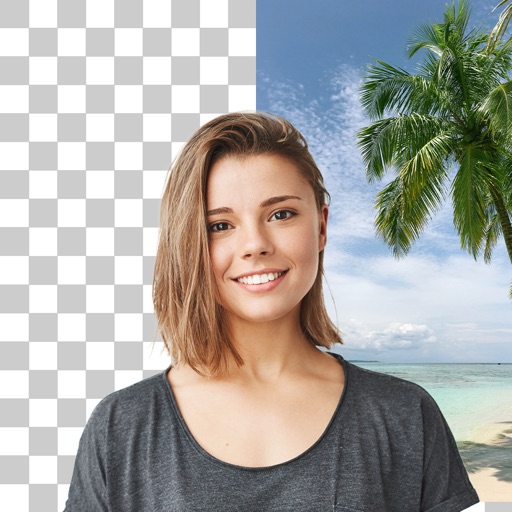
Backgrounds from photos using AI-powered erasing. Replace with empty, custom, or selected backgrounds. Edit images directly from gallery or camera. Export edited photos for sharing or further use.
Edit portrait mode photos by adding and adjusting light sources. Reconstruct 3D maps to place new lights with customizable color, intensity, and distance. Save and share enhanced portraits with realistic effects.
Edit photos to meet , visa, or ID requirements. Automatically remove backgrounds with AI. Save multiple copies without extra cost. Adjust size and format for global use. Share edited photos directly.
Edit photos with cropping, filters, and adjustments. Remove unwanted objects or people using the Magic tool. Replace backgrounds to create montages. Create collages with pre-designed templates. Export edited photos in multiple formats.
Faces in photos and videos using AI-powered technology. Replace faces in selfies and group shots. Create and share realistic morphs on social media or as memes. Edit and export swapped content directly.
Create animated portraits with motion effects like leaning or gliding. Choose from 40+ style packs including Business, Luxury, and Anime. Generate cinematic scenes or fun reactions. Save or share edited content instantly.
Remove backgrounds from photos using AI technology. Replace backgrounds with photos from the library, captured images, or selected colors. Adjust settings for precise edits. Export edited images directly.
AI improves quality, fixes lighting, and sharpens details. AI Unblur converts pixelated or blurry images into clear high-resolution photos. Users can upload photos and apply AI-powered enhancements to restore old memories or refine portraits.
Edit photos by swapping faces into scenes and posters. Search for movies or TV to find swap-ready images. Adjust facial features for seamless integration. Save and share edited results directly.
Create instant-film style photos from uploaded images. Choose templates, backgrounds, and seasonal themes. Let AI combine elements into realistic portraits. Save and share generated photos.