Create 3D scenes with 360° technology. Replace backgrounds with virtual environments. Move freely within scenes to capture photos and videos from multiple angles. Adjust lighting to match real-world conditions. Import photos to use as backgrounds.
by Elie Gebran★ 4.1122 ratingsPhoto & Video$9.99Data updated 2026-09-06
Edit photos by removing backgrounds using neural network technology. Choose from various options or leave as white. Upload selfies and replace backgrounds instantly. Export edited images in standard formats.
Blur image backgrounds to create effects. Select photos from gallery or capture new images. Apply multiple blurring tools to adjust blur intensity. Export edited photos to device storage.
Generate AI-enhanced photos with cinematic and aesthetic styles. Edit facial features, apply filters, and adjust lighting. Share directly to social media platforms.
Convert photos into artistic styles like caricature, stylized portraits, and virtual backgrounds. Extract portraits and replace backgrounds with customizable options. Create magazine covers and animated themes. Share edited images directly.
Manage photos with a clear timeline to highlight memorable days. Create collections to organize and share moments. Edit images and videos with lighting, contrast, and color adjustments plus 16 filters.
Restore faded photos and enhance image quality using AI. Transform static images into animated portraits. Add motion to create dancing or joyful scenes. Edit and share enhanced photos directly.
Capture photos in and with real-time contrast and exposure adjustments. Preview high-key or low-key effects in the viewfinder. Use Zen mode to focus on composition without technical distractions.
Edit photos by removing people and distractions, then replace with customizable backgrounds. Create professional headshots with LinkedIn Shots. Try realistic hair changes including styles and colors.
Add holiday , backgrounds, and text to photos. Adjust brightness and contrast for better visibility. Share edited images directly to social media or via email.
Allows users to apply effects to backgrounds. Select images from the gallery or capture new photos. Use multiple blurring tools to adjust the effect. Export edited images directly.
Record in HD up to 1080p at 60 fps. Add facecam and audio for enhanced recordings. Save and share videos directly. Adjust settings for recording duration and file format.
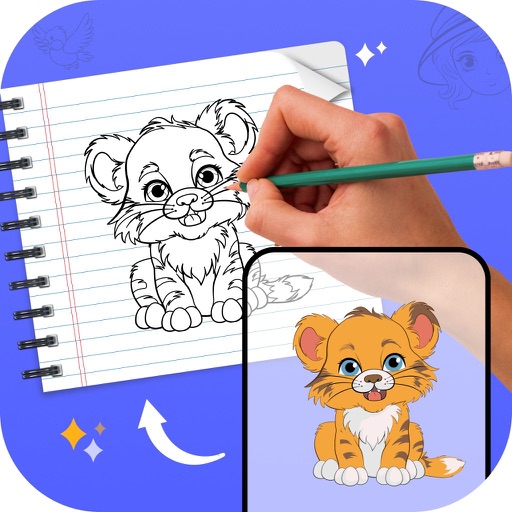
Create drawings by tracing images from the 's library or photos. Adjust line thickness and color. Add text and graphical elements. Export drawings in multiple formats. Share completed artwork directly.
Edit photos with AI-powered filters, face swapping, and style transformations. Adjust lighting, colors, and backgrounds. Add text and stickers. Export in various formats and share directly.
Captures high-quality photos in low-light conditions with manual exposure settings up to 1 second. It includes separate controls for residual light and ISO enhancement. Users can adjust focus, white balance, and exposure compensation.
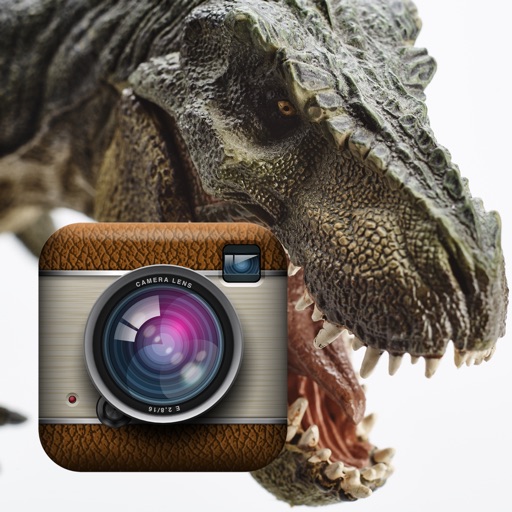
Add dinosaur to photos and videos. Choose from over 60 realistic dinosaur designs. Position and resize for accurate scenes. Share edited content directly to social media.
Capture photos with customizable spring . Add to existing or new photos. Organize photos into albums. Share edited photos directly. Edit images with frame adjustments and effects.
Create art by entering prompts and selecting styles. Generate images, paintings, and drawings in seconds. Export and share created artwork. Adjust details and refine outputs as needed.