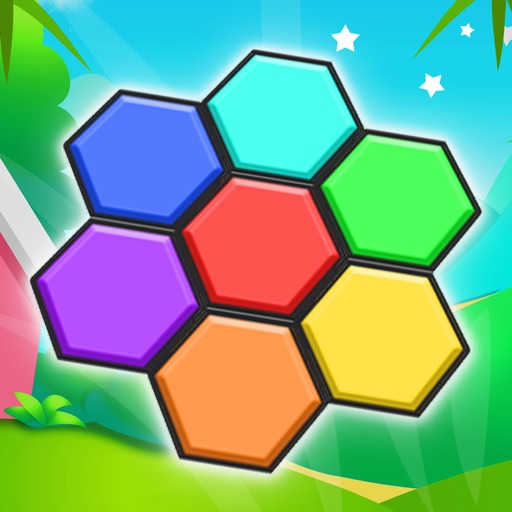
Play by dragging and dropping colored blocks to fill the grid. Solve puzzles with no time limit. Access over 100 levels. Track progress through increasing difficulty. Share achievements with friends.
Creative drawing studio allows children to draw and color with various tools and colors. Puzzle games let kids match shapes and patterns. Pixel art lets them create images by filling grids.
Learn numbers 1 to 9 through interactive activities with geometric shapes. Identify and match shapes like square, circle, triangle, pentagon, and rectangle. Choose from English, Spanish, Russian, and other languages.
Create and customize digital artwork using a variety of tools and templates. Select from multiple pages and color palettes. Save and share finished drawings. Access additional content through a subscription service.
Teach toddlers to identify shapes and sort them. Match balloons by color or quantity. Count and move objects while making fruit smoothies. Toggle lights on and off.
Play a ball-moving game by tapping the screen to shift the ball left or right. Avoid rolling obstacles such as blocks, bricks, and cubes. Compete with friends to see who has the reaction time.
Stretch colorful bands to create artistic designs. Adjust band lengths and positions. Share creations with others. Access a library of color palettes and patterns. Save and export artwork.
Learn colors, letters, numbers, and animals through interactive games. Create drawings and puzzles. Receive feedback and track progress. Share creations with others. Sync across devices for continued learning.
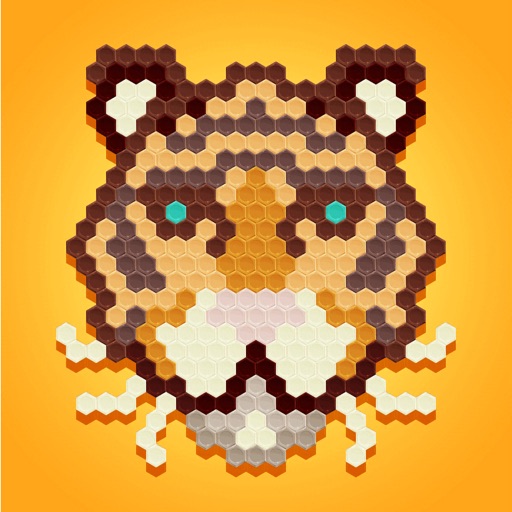
Hexagon boxes to create drawings using suggested colors. Select from various categories. Drag to neighboring boxes. Use a paint roller tool to fill areas. Features intuitive gestures and an elegant design.
Play block puzzles to complete color patterns and fill grids. Drag and drop abstract pieces into correct positions. Match shapes and colors to solve each level. Progress through handcrafted challenges.
Play Gobstoppers by matching three or more shapes to remove them. Classic mode rewards longer paths and doubles points for clearing the board. Multi mode allows matching by color or shape, challenging brain skills.
Explore 3D shapes by morphing between a dozen geometric objects. Customize textures, adjust color saturation, and control particle count. Pinch to zoom, rotate shapes, and modify blur settings.
Educational allows children to color animated stories step by step. Includes painting tools and interactive elements to bring stories to life. Features updated books on various topics.