Turn your iPhone or iPod Touch into a musical instrument. Select chords and strum strings with fingers to create arpeggiated sounds. Edit and share songs, use MIDI support, and transpose notes with in- purchase.
The app generates selectable waveforms and frequencies for tuning instruments or testing electronics. Users can select musical instruments to automatically generate tone scales or use a 9-octave keyboard to play desired notes.
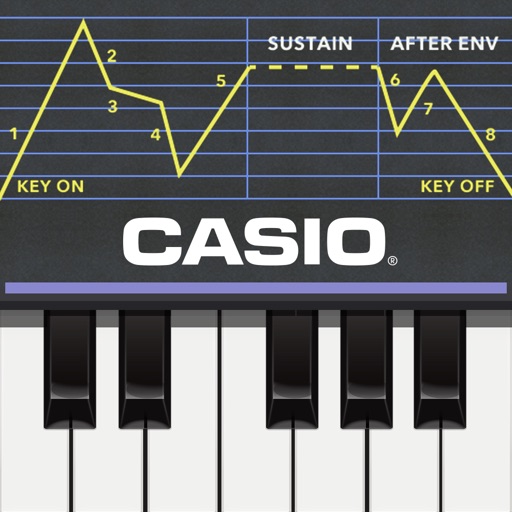
The app reproduces the functionality of Casio’s CZ-series models with a built-in 4-part PD sound source and 36 waveforms. Users can create and play tones on MIDI-compatible instruments, and play along to audio files on an iPad.
Play virtual organs with authentic sound samples. Select preset tones and effects. Adjust volume and pitch. Save and share recordings. Explore classic rock tracks and soundscapes.
The app analyzes microphone input to display pitch, frequency, octave, and difference from standard pitch. It offers graphical interfaces, adjustable colors, and supports various notations and instrument tunings.
Allows users to listen to long tone recordings from professional musicians. It provides visual feedback showing the user's position within a chord. Users can adjust their pitch to match the sound.
A metronome with adjustable beats-per-minute from 40 to 208. Provides audible and visual beat indicators. Includes a chromatic tuner that guides users to the correct pitch with an animated indicator.
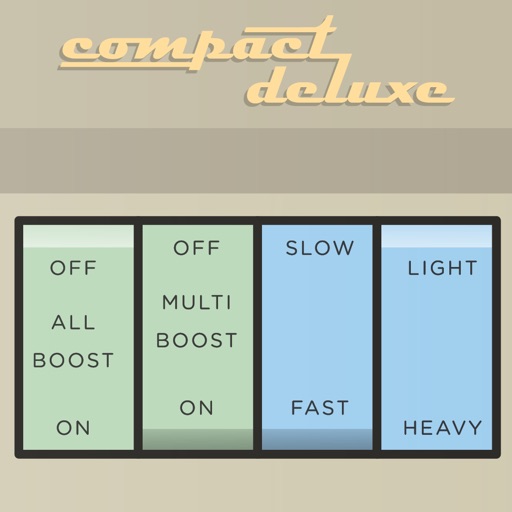
Add analog saturation to audio signals using a modeled '90s guitar preamp. Process guitars, pianos, organs, synths, basses, and more. Shape tone with controls for drive, brightness, and output.
The app allows users to record up to four tracks with a simple interface. It includes a metronome, looping features, and options for merging tracks for unlimited recording possibilities.
Create and manipulate sounds using additive synthesis. Adjust tuning tables and modulation parameters. Use MPE for multi-touch control. Manage presets with a new preset manager. Adjust waveform shapes and filter settings.
The app allows users to record sounds up to five seconds and play them using a piano keyboard. Users can play multiple recorded sounds simultaneously with included demo tunes.
Analyze audio in real time with and FFT measurements. Visualize frequency response and adjust settings for room or speaker tuning. Export measurement data for further analysis.
Create music by rotating and positioning your device like a . Snap frequency to notes for precise tuning. Choose from three waveforms. Practice or perform with real-time sound output.
Play expressive music using 10 sounds including flute, piano, and guitar. Access 36 notes across 3 octaves via 7 music buttons, a flat note button, and two octave buttons. Customize button positions for easier navigation.