Apps Like Remoku - Remote Controller for iPhone and iPad
Connect and control your Roku device
Control Roku device or Roku TV remotely from iOS. Automatically detect Roku TV on same Wi-Fi network. Access all buttons for navigation. Use large trackpad for menu and content navigation. Manage TV channels directly.
by WL Online Marketing LLC★ 4.55,182 ratingsUtilitiesFreeData updated 2026-09-06
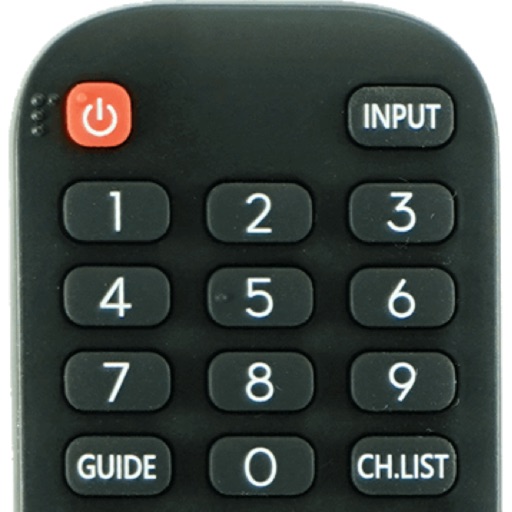
Devices with preloaded models including EN3V39H, 55H6E, and 55R6000E. Access saved profiles for quick use. Navigate with a fast touch pad and keyboard. Use a clean interface to manage device functions without installation.
TV with on-screen buttons and voice commands. Play media files from phone on TV. Use sleep timer and built-in media player. Shake phone to play or pause content. Access photos, videos, and music directly.
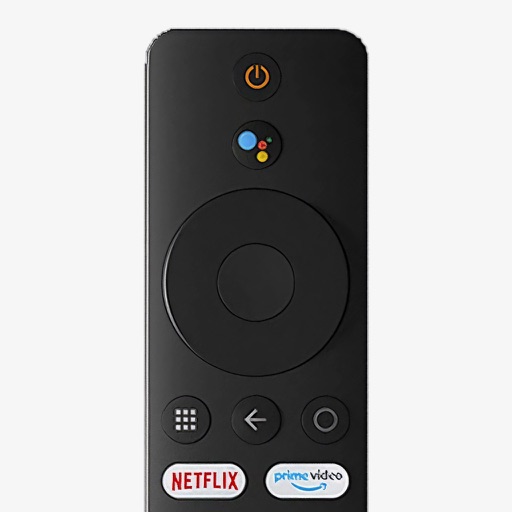
Control your Mi Box with full remote functions including volume, power, and navigation. Manage apps by opening, closing, and switching them from your phone. Use voice search to find content and control playback.
Securely connect to the internet with . Encrypt data and hide IP address. Switch servers globally. Block ads and track websites. Set connection preferences and manage profiles.
Control a compatible receiver with Bluetooth connectivity. Adjust volume, switch input sources, toggle power, and manage playback functions. Access radio presets and change bands. Mute and pause media. Seek forward or backward.
Control Smart TV remotely via iPhone or iPad. Connect both devices to the same Wi-Fi network. Automatically detect and pair with the TV. Adjust volume, navigate menus, and access streaming services. Pause and resume content playback.
Control TV functions like channel changing, volume adjustment, power on/off, and more. Use built-in keyboard for typing and searching. Connect via Wi-Fi for operation.
Control Hue smart lights with customizable buttons and sliders for instant on/off access. Organize lights into zones and rearrange them as needed. Adjust brightness and color temperature directly from the .
Control TV with full functionality. Access default channels via a system tab. Connect iOS device and TV to the same Wi-Fi network. Adjust volume, navigate menus, and select channels. Manage playback and input sources.
Adjust video playback speed up to 2x with 5% increments. Pause, play, and jump ±10 seconds. Use the position slider to navigate. Skip to specific parts of a video. Control playback directly within .
The app allows an iPhone, iPad, or iPod touch to function as a wireless keyboard and trackpad for a Raspberry Pi. It sends keystrokes and mouse events over a network, enabling control for browsing, text editing, and programming.