Customize lockscreen and homescreen with high-resolution and frames. Rotate and select top and bottom frames. Use custom calendar designs. Apply full HD for both screens.
Edit photos by selecting from Camera Roll or taking new shots. Apply real-time effects to create prism-like glass pieces. Adjust frames, shapes, and patterns. Rotate, resize, and drag elements for custom designs. Export and share edited images.
Create square frames using images from your photo library. Add multiple images to a frame. Change . Rotate, resize, and reposition images. Preview the final image. Save the completed image to your photo library.
Edit photos by adding customizable frames based on metadata themes. Choose or create frames manually if metadata is missing. Save and share framed photos directly.
Extract high-quality frames from videos and select the ones. Edit key frames, create animated GIFs, and export custom loops. Share clips directly to social media platforms like TikTok and Instagram.
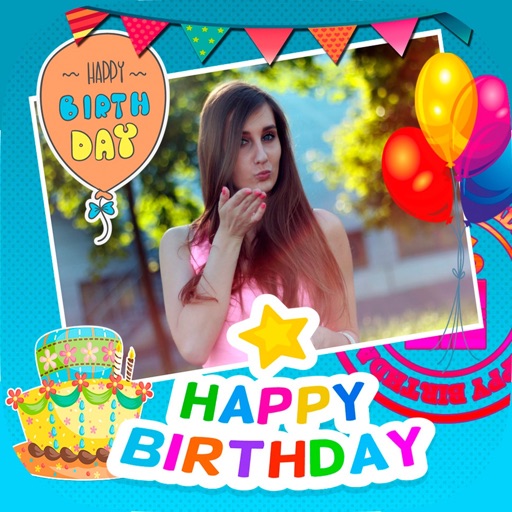
Create greeting cards by selecting from the gallery or taking new ones. Choose from various and adjust with zoom, rotate, and move features. Send customized cards to friends and family.
Convert videos into high-quality images with frame extraction. Select specific moments to capture. Edit and enhance images with built-in tools. Save and share converted photos directly.
Record automatically when is detected. View recordings remotely via Dropbox™ sync. Choose resolution and frame rate settings. Monitor activity in real-time. Set detection sensitivity. Share recorded videos directly.
Allows users to create motion or time lapse videos. Capture frames with a full-screen view. Support for portrait and landscape orientations. Save projects for later editing. Adjust frame rate for control over video style.