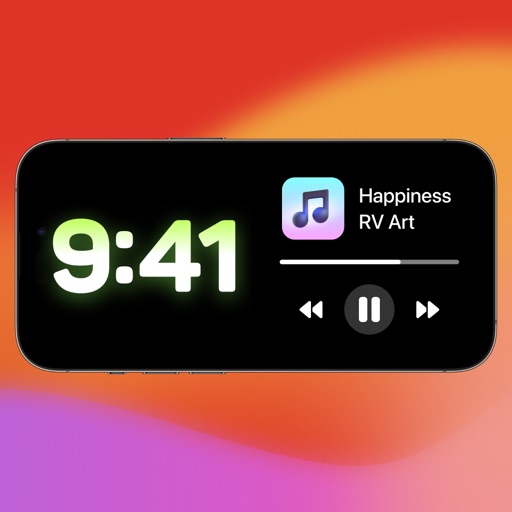
Control smart home accessories with widgets on Home Screen and Lock Screen. Create advanced automations beyond Home capabilities. Access all accessory features and customize with wallpapers. Backup and restore HomeKit configurations.
Chenzhou Zero Pixel Information Technology Co., Ltd.
Design home screen
Customize home screen with over 200 and themes. Set dynamic lock screen for enhanced functionality. Choose from more than 1000 wallpapers and receive new additions regularly.
Customize lock screen with widgets for useful info. Add word of the day, daily countdown, battery status, custom text, and build custom widgets. Includes additional features for free.
Store and test dates in one place. Create unlimited countdowns for days, years, or hours. Set reminders for deadlines. View timetable and track progress toward important dates.
Track important dates with timers for birthdays, anniversaries, holidays, and milestones. View remaining time in years, months, days, hours, or minutes. Set reminders and access a Today widget for quick viewing.
Create custom widgets by combining elements, selecting fonts, and adjusting colors. Set transparency for each component. Access weather forecasts and customize appearance settings. Save and share designs for iPhone Home Screen.
Browse Watch Faces and to customize Apple Watch. Access Keypad for message creation, Share location instantly, and view RSS feeds. Explore Watch Gallery for .
Customize mode with personalized widgets, icons, and themes. Set wallpapers, clocks, and weather displays. Choose from multiple themes and icon packs. Syncs with iOS 17+ for full functionality.
Turn your lock screen into a media hub with for shortcuts, contact lists, and photo displays. Track physical activities and sports achievements. Edit wallpapers with a user-friendly editor. Download exclusive location-based content.
Display internet and data usage in Notification Center and Lock Screen. View daily usage statistics and billing cycle status through widgets. See live internet and historical usage graphs.
Manage tasks with unlimited folders and color-coded organization. Sort folders and view task counts. Add multiple tasks at once, check them with a tap, and automatically move completed tasks the bottom.
Allows users to launch apps such as WhatsApp, Instagram, and YouTube directly from the . It provides access to curated 4K wallpapers from various artists. Users can customize their with premium wallpapers and shortcuts.
Add to home and lock screens with options like Routine Monitor, Calendar, and Todo list. Customize with 200+ widget types and themes. Set countdowns, view quotes, and apply wallpapers to personalize the phone interface.
Speed dial contacts directly from the home screen. Assign custom images to favorite contacts. Place widgets on the home screen for quick access. Make calls with one click. Personalize appearance and layout.