Paint on spherical surfaces with customizable brush settings. Create symmetrical designs using mirroring tools. Save and export artwork in various image formats. Adjust colors and layer transparency for detailed artwork.
by tetsuhiro nakano★ 5.01 ratingsGraphics & DesignFreeData updated 2026-09-06
And paint with a variety of tools including pens, lines, arrows, rectangles, ellipses, and text. Apply effects, adjust colors, and use filters. Crop, enhance, and add stickers to artwork.
Create digital paintings using a brush for intricate curves and unique patterns. Adjust brush settings for different effects. Combine brush with regular brush for varied artwork. Export and share finished drawings.
Numbers to create artwork. Choose from a variety of colors and designs. Save or share completed colorings. Adjust intensity and select pre-designed patterns.
The app offers a digital coloring experience with over 120 free animal pictures. It features a stay-in-line brush, nine brushes for painting and drawing, and 50 pattern brushes for a unique coloring book and drawing pad.
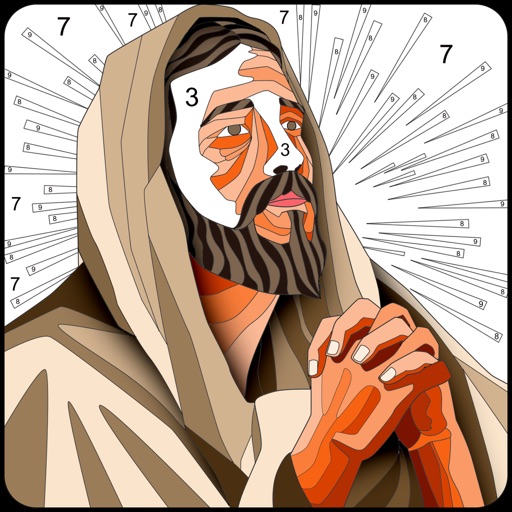
Scenes and numbers with customizable tools. Select from various -themed images including Jesus and other religious figures. Save and share completed artwork. Adjust palettes and brush sizes for detailed painting.
Create and edit drawings using augmented reality. in real-time with touch or stylus. Adjust colors, brush sizes, and opacity. Share drawings directly or export as images.
Allows users to using step-by-step tracing lessons. Features include color selection, layer management, and brush customization. Users can save and share artwork. The provides guided tutorials for improving drawing skills.
Create freehand artwork from real-life images using AR technology. , , and paint over live camera views. Add text and stickers to drawings. Export creations in multiple formats and share directly.
Create digital art with 105 tools including pens, pencils, and brushes. Import and edit photos. Add text and rotate elements. Customize brush settings. Use customizable canvases. Save and share artwork.
Children can draw and color using 8 different brushes including crayon, pencil, paintbrush, paintball, chalk, sponge, stickers, and stars. They can choose from over 100 pages. The includes fun effects, sounds, and stickers to enhance creativity.
Create and edit digital art with brush tools, layers, and color blending. Import photos and sketches. Adjust brightness, contrast, and saturation. Add text and shapes. Export artwork in various formats and share directly.
Create custom mandalas with design tools. Apply photos to pages for personalized artwork. Access over 20 pre-designed templates. Save and share completed artwork. Adjust colors and patterns within the .
Use your phone camera to draw on any surface. Access templates for animals, cars, and nature. Utilize the built-in flashlight for better visibility. Share completed drawings with friends. Create art using augmented reality technology.
Allows users to paint and the Family using rainbow brushes and glitter pencils. Includes 200+ pages with themes like animals, cars, and dinosaurs. Features mandala drawing games and interactive activities.
Create portraits with customizable features like accessories, eye shape, lip style, and hairstyles. Draw easily with detailed tools. Export and share finished sketches.
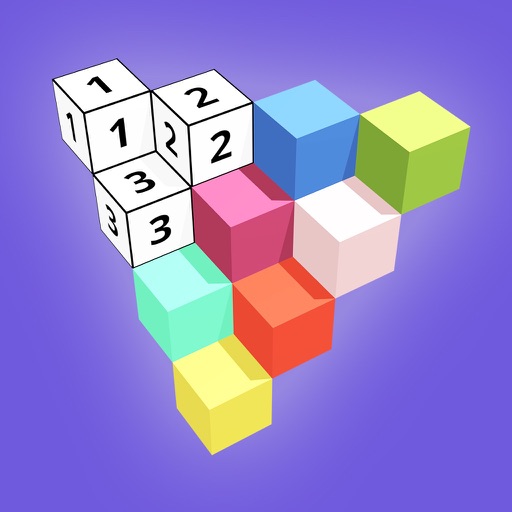
Create 3D models by coloring numbered blocks. Rotate, scale, and zoom to adjust your model. Paint highlighted boxes with selected colors. Save and share completed designs.
Create and edit drawing tools and photo additions. Paint on images finger input. Move, rotate, and scale added . Save and share creations via social media apps. Offers a simple interface for note-taking and visual projects.