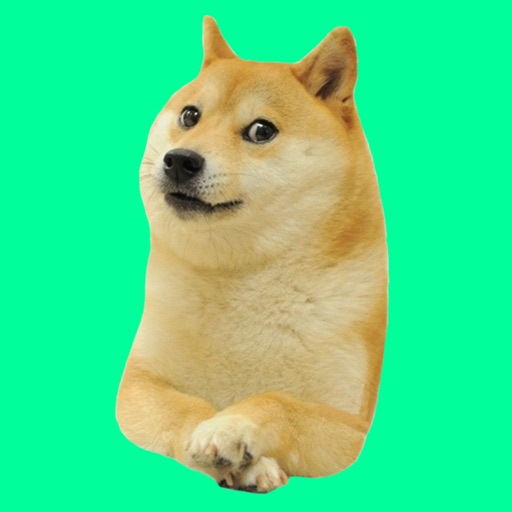
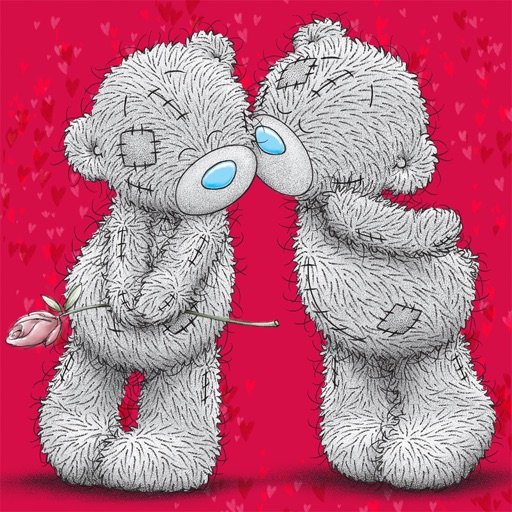
Add stickers to messages with customizable options. Choose from a variety of images and animations. Share stickers across platforms. Edit sticker size and position. Save favorites for quick access.
by Elena Chiorsac★ 4.01 ratingsStickers$0.99Data updated 2026-09-06
Use stickers in chat messages with friends and family. Customize messages with emojis and animated stickers. Share stickers across multiple platforms. Add new sticker packs for personalized communication.
Use stickers to express humor and personality. Choose from funny llama-themed phrases. Add stickers to messages, emails, and social media posts. Customize sticker size and position. Share stickers with contacts and friends.
Send animated stickers to specific contacts via iMessage. Choose from heart, flower, and hug animations. Customize sticker delivery by enabling "Me to You" in settings. Share emotions without text.
Add fright and festivity to messages with animated stickers of Jack Skellington, Sally, Sandy Claws, and Oogie Boogie. Include accessories like the walking bathtub and scary present.
Use to send and receive animated stickers. Customize size and position. Share stickers via messages or social media. Add text overlays and adjust colors. Save stickers to favorites for quick access.
Add custom to iMessage conversations. Choose from six sticker packs. Share with contacts. Edit sticker size and position. Save favorite for quick access.
Use stickers with animations to enhance messages. Include unicorns, bunnies, butterflies, flowers, hearts, ponies, castles, and rainbows. Add decorative elements like stars and detailed designs. Share customized messages with animated stickers.
Add stickers to iMessage conversations. Choose from a selection of memes and emoticons. Purchase to unlock additional stickers. Use purchased stickers indefinitely. Share stickers directly in messages.
Add animated stickers to messages. Choose from 23 Valentine’s Day themed stickers. Share stickers with friends. Customize sticker appearance. Send stickers via chat.
Add humorous to iMessage conversations. Choose from a variety of expressive and silly animations. Customize sticker size and position. Share with contacts via message.
Use stickers to animate and express emotions in messages. Choose from various cat-themed stickers. Add stickers to conversations. Share sticker packs with contacts. Customize sticker size and position.
Send animated stickers to express emotions. Choose from 600+ adorable couple stickers. Customize messages with text and emojis. Share directly via messaging apps. Update sticker collection regularly.
Send stickers with chess themes and celebrity players. React with chess GIFs. Share trending chess videos. Customize messages with fun, themed stickers. Add animated to conversations. Access a variety of chess-related sticker packs.
Edit photos with face effects and fun stickers. Add emojis and create face emojis. Make creative collages to share with friends. Save and frame photos in favorite photo albums.
Use stickers featuring characters like Awesome, Ellie, Grateful, Cooper, Milbert, Kira, Koda, and Hudson. Add stickers to messages or social media posts. Customize sticker packs with new characters as they become available.
Create and customize animal-themed stickers based on designs. Place stickers on messages, images, or other stickers in conversations. Share stickers with contacts and view educational content about wildlife conservation.
Share stickers across messaging apps by copying and pasting. Use hand-drawn and animated packs. Integrate with WhatsApp and Messages. Export stickers via clipboard. Access free starter pack and additional packs.
Add playful to messages and social media posts. Choose from colorful designs to express emotions. Share across multiple platforms. Customize sticker placement and size.