Create handwritten notes on iPad or iPhone. Import and annotate PDFs. Draw ink with finger, resize, recolor, and move doodles. Add text with customizable fonts, color, and alignment. Include shapes like arrows, polygons, and diagrams.
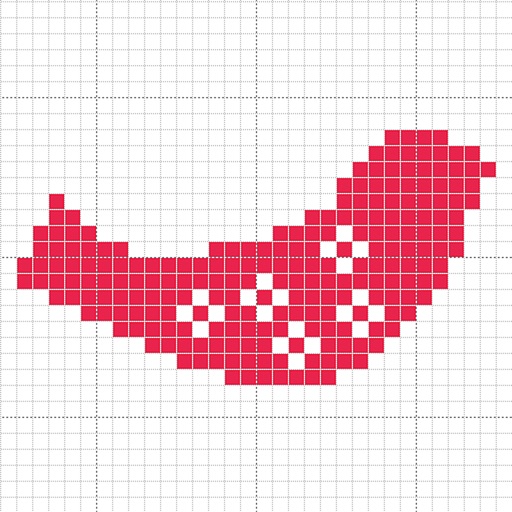
Create custom charts for crafts like cross stitch, bead weaving, knitting, and pixel art. Draw dotted images and design patterns with an intuitive touch interface. Export charts for use in projects.
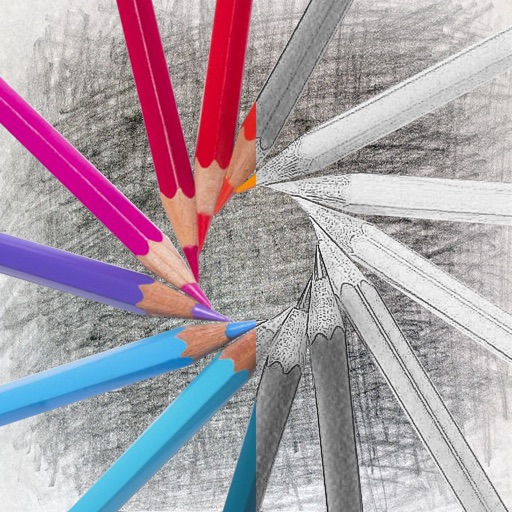
Convert photos into sketches with tone drawing engine. Adjust pen color, size, and background. Generate strokes with transparent backgrounds. Save sketches in original size and colorize with original colors.
Create seamless patterns using 17 symmetry types and 23 templates. Draw with 18 brushes including pencil, liner, and airbrush. Use symmetry guide lines to align designs. Export patterns in multiple formats.
Use phone camera to project anime-style templates onto paper or surfaces. Trace outlines to create art. Adjust lines and colors. Export drawings in various formats. Sync with digital tools for further editing.
Create fluid ink paintings with finger swipes. Use tapered brushes for organic line effects. Overlay strokes for layered artwork. Practice minimalist and painting techniques.
Draw sketches using brushes and tools with support for Apple Pencil. Create layered artwork and zoom for detailed painting. Import and export vector images in PDF, PNG, and JPEG formats. Use color or photo backgrounds. Save artwork for later.
Manage with a minimalist todo and calendar integration. Add notes with customizable themes. Backup and restore data via iCloud. Set notifications and use a widget for quick access. Supports landscape mode on iPads.