The app synchronizes playback of a custom audio file for all participants. Users open the app at the event's start time, and the audio automatically begins playing in sync for a participatory audio adventure.
The app displays an image around the mouse cursor, with options for size, opacity, and rotation. Users can activate and switch between halos using hotkeys or the menu bar extras.
Play a game by tapping and combining three identical cards in the bottom slot bar. Complete levels and unlock new categories. Earn rewards and improve merging and observation skills. Track progress and solve puzzles to advance.
The app introduces number and finger counting with two games. One game displays figures with animations and voice, while the other sharpens math skills through addition and subtraction features.
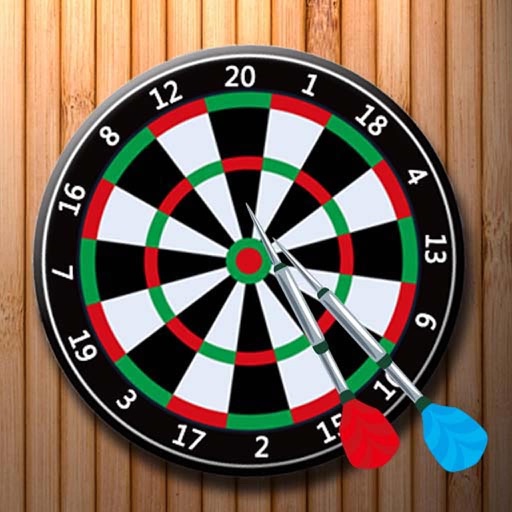
The app features a darts game where players compete against the computer. Players must hit segments sequentially from 1 to 20, with doubles and triples increasing scores.