Display customizable on Lock Screen or Home Screen for reminders, goals, or tasks. Use Markdown to style with bold, italic, or strikethrough. Includes 20 for different layouts. Syncs across devices via iCloud. Tap widget to edit directly.
by Sindre Sorhus★ 4.6605 ratingsUtilities$4.00Data updated 2026-11-10
Manage download queues with pause/resume and priority settings. Supply passwords and upload .nzb files from Files. Retry or remove history items. Access Control Center widget for quick access. Receive notifications on new files and warnings.
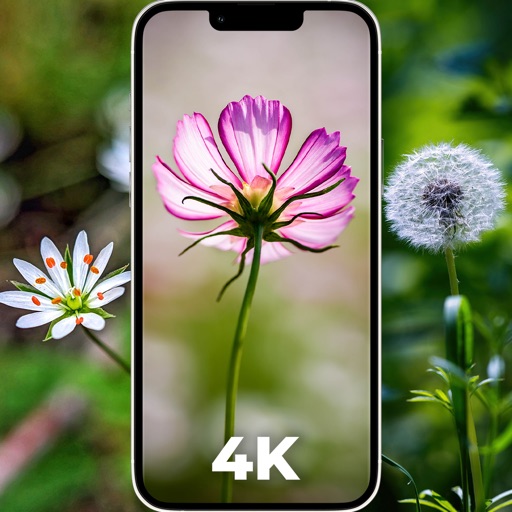
Download and set high-quality for home screen and lock screen. Choose from sunflower, rose, and other themes. Adjust wallpaper size and position. Share via social media or messaging.
Create a log with customizable themes and attach photos. Add emotion stickers to dates. View and manage schedules for today and tomorrow. Support multiple formats and features for organizing personal notes.
Organize tasks with to-do lists and reminders. Set recurring events and calendar sync. Manage notes and files in one place. Share content via email or cloud services. Track time spent on projects.
Display multiple videos or images on a single in customizable grid layouts. Play videos with sliding controls for playback, volume, looping, and speed adjustments. Record and save videos. Lock to prevent accidental touches.
Customize wallpapers with adjustable color elements. Change lockscreen and home screen backgrounds. Create custom wallpapers with Siri shortcuts. Hide the dock and modify components.
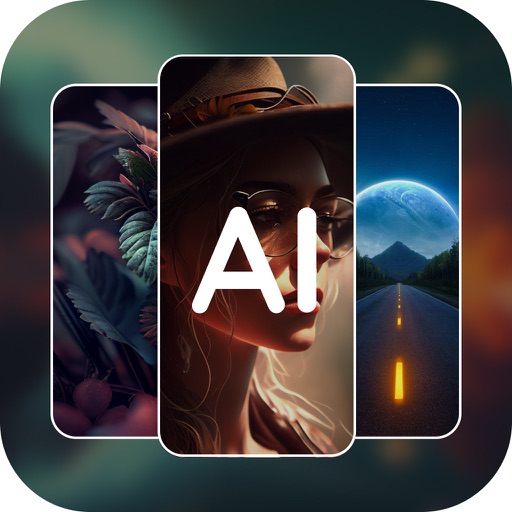
Generate AI art from text inputs to create custom wallpapers. Choose between free and premium wallpapers. Set as home or lock screen. Edit and customize art. Share wallpapers with others.
Allows developers to log messages to a console within . View logs in real-time without using Quick Look. Filter logs by category, device, and date to analyze output efficiently.
Change iPhone with high-resolution 4K, HD, and live options. Organize into categories. Set daily wallpaper changes. Share with others. Apply animated or static images as home screen or lock screen.
The app allows users to customize their device's Home screen and Today view with custom RSS widgets. Users can choose refresh frequency, display options, and visual parameters for viewing RSS feeds.
Customize iPhone home screen with photo widgets. Select a photo album, add images, and place widgets on the home screen. Widgets automatically update every 60 seconds. Choose from small, medium, or large sizes.