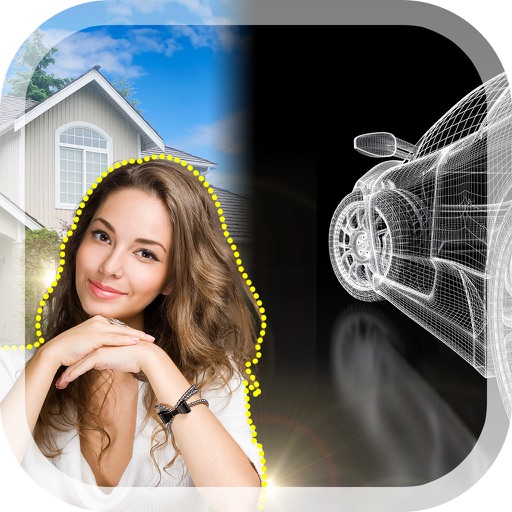
Remove with automatic portrait recognition or brush matting tools. Choose from multiple shape options for precise masking. Add color line strokes to edited areas. Export modified images directly.
by 传彬 戴★ 4.6376 ratingsPhoto & VideoFreeData updated 2026-09-06
Edit photos with , , and collage tools. Create montages and custom collages. Adjust brightness, contrast, and saturation. Add text and stickers. Share edited images directly.
Remove from photos using a freehand cut tool. Select images and create multiple cutouts. Edit cutout details for precise results. Use cutouts as stickers or stamps on other photos. Move, zoom, and rotate cutouts for flexible editing.
The app converts photos into pencil sketches for coloring. Users can import pictures from photo albums, the camera, or Flickr, and color them using touch controls.
The app applies a gaussian blur to desktop pictures to make icons more visible. Users can also adjust image scaling, saturation, exposure, colorization, and position.
Preview and playback videos from connected driving recorders and sports DV devices. Download pictures and videos for offline viewing. Share selected media to social networks. Sync devices via WIFI for real-time access.
The app offers face detection with voice navigation and voice control for taking pictures. It includes a self-portrait timer, multi-shot mode, and customizable photographic tools and color designs.
The app offers photo editing tools including filters, effects, and adjustments for brightness, contrast, and saturation. Users can add text and stickers to their images before sharing them.