Select an image from the or gallery. Focus on a specific point for 20 seconds to create an afterimage effect. The colors from the original image will appear as a colored afterimage on a black-and-white background.
Edit photos with , , and collage tools. Create and custom layouts. Adjust brightness, contrast, and saturation. Add text and stickers. Export and share edited images.
Edit photos with filters, adjustments, and effects. and focus areas with finger movements. Crop, rotate, and add text or stickers. Adjust tone curves and apply splash effects. Save and share edited photos to social media.
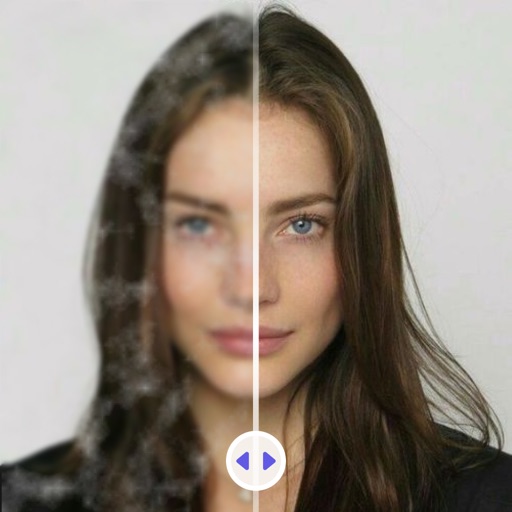
Edit photos with AI-powered deblurring and detail preservation. Remove stains and noise from black-and-white images. Repair scratches and folds using AI reconstruction. Enlarge low-res photos up to 8x without losing detail.
Remove backgrounds from photos with AI-powered detection. Select transparent, white, or custom backgrounds. Edit images by removing people, faces, products, animals, text, and objects. Export edited images in various formats.