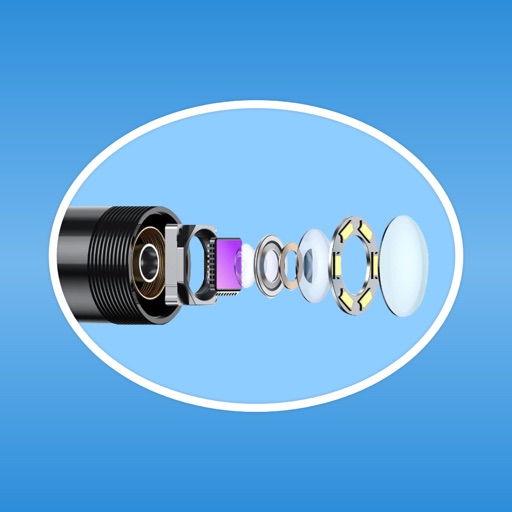
Transmit photos and videos wirelessly via WiFi. Connect camera devices to iOS devices. Adjust WiFi settings for connection. Stream live footage in real-time. Save and share captured media directly.
Edit photos with cropping, rotation, and flipping tools. Adjust composition and apply AI-powered enhancements. Retouch images with advanced editing features. Export in multiple formats and share directly.
Create collage videos with 50+ layouts. Customize grid ratios, background colors, and border settings. Add text, music, stickers, and filters. Drag and arrange media on a timeline. Apply special effects and adjust layouts for final edits.
Edit videos with precision tools to trim, split, and merge clips frame-by-frame. Resize and crop videos, including maintaining original proportions. Enhance photos and design collages within the same .
The app allows users to create watermarks, greeting cards, and graphics. It offers an intuitive interface, image filters, text manipulation, and 3D functions.
Add and time stamps to photos automatically or manually. Include captions and watermarks with customizable text. Apply signature stamps and logo overlays to protect photos with copyright marks.
Convert rectangular videos to square format for Instagram. Post full videos without square cropping. Create custom wallpapers for iPhone lock screen based on device model and clock position.
Edit videos with real-time preview, trimming, and splitting. Add transitions, text, and stickers. Export in 4K resolution. Use external keyboard and mouse for efficient editing. Supports iPad, iPhone, and Mac with Apple M1 chip.
Select photos from gallery or photo library. Choose from numerous PIP frames. Use single image for both foreground and background or different images for each. Edit foreground and background separately. Apply photo filters.
Resize photos by adjusting dimensions in pixels, millimeters, centimeters, or inches. Save images in PNG or JPG formats. View side-by-side comparisons of original and resized images. Maintain quality during resizing.
Switch between main and front instantly for dual perspective shots. Capture high-definition images with the main camera and creative angles with the secondary lens. Record detailed scenes for portraits, landscapes, and close-ups.
Script writing and recording allow users to write scripts within the and record while text scrolls automatically. Import scripts in txt, rtf, or html formats. Simplify production and speech recording with timed text display.
Compress and edit videos with batch processing, trimming, cropping, splitting, merging, and rotating. Choose H.264 or HEVC codecs with resolution options. Adjust frame rates for 240 FPS videos. Save space with efficient compression.
Scan documents, notes, photos, receipts, and books into PDF or JPEG files. Use OCR to convert images into text. Export scanned files and share them directly. Batch scan multiple items at once.