Learn with interactive audio examples and visual feedback. Practice words with British and American accents. View word sounds, compare pronunciations, and test your speaking skills. Track progress and access 100 example words covering all 44 sounds.
Write and run code with daily credits, import files, open Playground files, and share code or text. Generate code snapshots in PNG, JPEG, HEIC, or PDF formats.
Create a personalized SAT study plan based on your goals. Practice hundreds of math and English questions similar to those in the SAT. Track progress and review explanations for correct and incorrect answers.
The app allows users to connect points on a graph and move them to find isomorphic graphs. Users can add or delete points and lines, and rearrange points to view the graph in different ways.
Track rate and rhythm through guided breathing exercises. Adjust patterns to sync with heartbeat. Set reminders for daily practice. Monitor progress over time with visual feedback. Share sessions and insights with others.
Solve operations and systems of equations with step-by-step guidance. Calculate determinants and invert matrices. Visualize 2D equations with interactive graphics. Explore eigenvalues and eigenvectors. Export solutions and notes.
Solve logic puzzles by painting squares and filling regions to reveal pixel-art images. Use clues from rows and columns to determine which squares to color. Complete grids to uncover hidden pictures.
Explore airliner details through articles and HD photos. Browse information on aircraft models, manufacturers, and aviation technology. Search for specific planes, view detailed specifications, and access organized content on aviation topics.
Oscilloscope mode displays real-time waveforms with automatic and single-shot triggering. Measures frequency, period, and amplitude automatically or manually. Spectrum analyzer mode identifies frequency components and amplitude levels.
The app allows users to draw and design with various line weights, colors, and types. It includes tools for adding text, different paper grids, and saving or exporting drawings as pictures or PDFs.
Scientific calculator with powerful graphing functions.
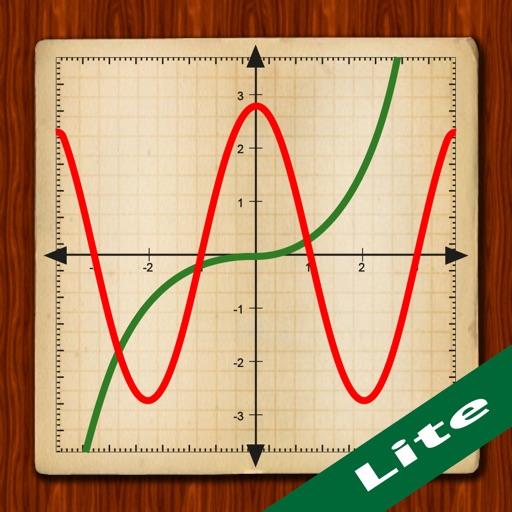
The app provides a scientific calculator with a history tape and graphing capabilities for up to four functions. Users can zoom, pan, and trace graphs, and view function values in a table.
Solve math problems from basic arithmetic to advanced algebra. Perform exact fraction calculations and store unlimited variables. Create custom functions and graph equations. Switch between exact and numerical modes.
Adjust for 4 adjustable frequency bands. bass focus in the center channel and maintain spacious mid-range imaging. Solo each band for individual auditioning.