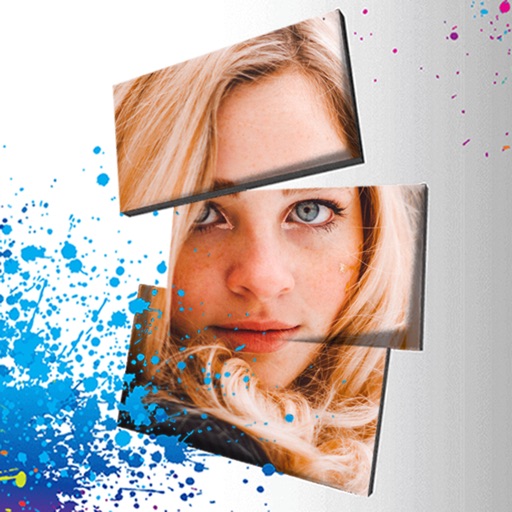
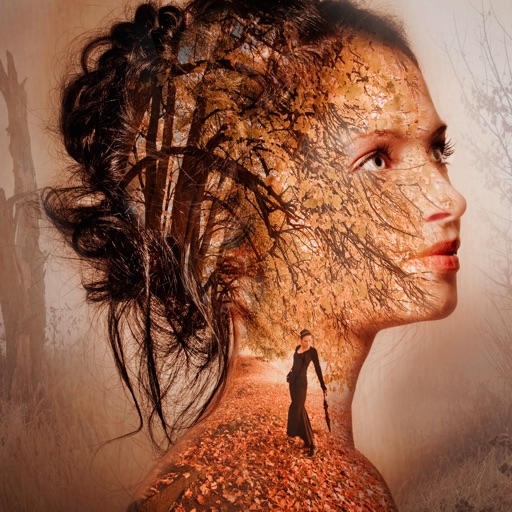
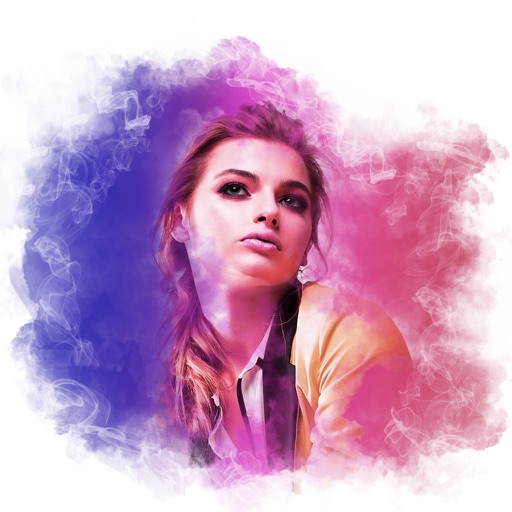
Edit photos with 3D and color effects to create立体 art. Apply special effects to enhance images. Save and share edited photos directly. Use fun and intuitive editing tools for creative customization.
Edit photos with motion , bokeh lens, and mosaic effects. Adjust brightness, contrast, and color. Crop images to various sizes. Share edited photos directly. Apply to the entire image, background, or specific faces.
Edit photos with vintage effects, artistic filters, and professional adjustment tools. Crop, resize, and enhance images. Add text and stickers. Export in multiple formats and share directly. No registration, ads, or watermarks.
Edit photos with blur background settings, shattering effects, and color frames. Add overlays and crop, rotate, or flip images. Import from gallery or camera, and share edited photos to social media.
Blurify allows users to specific areas of a or the entire background. They can select from various brush types and shapes to apply . Adjust the intensity using a slider. Pre-set effects can be applied for different styles.
Enhance photos with Hi-Def, Scenery, Food, Portrait, and Night modes. Apply over 100 free and purchasable filters. Add stickers, frames, and overlays. Touch up selfies with redey tool. Share edited photos directly.
Create -themed collages using 100+ available frames. Add text with customizable fonts and colors. Adjust opacity and rotate images. Select photos from gallery or camera. Apply effects to enhance visuals.
The app allows users to create artistic images with filters and tools. It offers features such as blur, focus, brightness, contrast adjustment, and tone curve editing.
Edit photos with filters, cropping, and adjustment tools. Add text, stickers, and borders. Export in various formats and share directly. Apply advanced effects and retouch skin tones. Adjust brightness, contrast, and saturation.
Add watermarks, text, signatures, and stickers to photos. Choose from symbols, trademarks, and social icons. Customize designs with logos and graphic elements. Save and share edited photos directly.
Convert photos to PDF pages by selecting up to 20 images from the gallery or iCloud. Choose from 40 standard page sizes or add a custom size. Rearrange and crop photos within a customizable layout. Export the final layout as a PDF for printing.
Edit images with blending effects and premade templates. Crop, rotate, and adjust . Access advanced controls for detailed editing. Save and share edited images directly.
The app adds frames or borders to photos, making them square and compatible with Instagram. Users can zoom out or in and choose any color for the photo frame, preventing the need to crop images.