Enable Wi-Fi for guests and set parental controls. Manage network settings remotely. View connected devices and control SSID. Adjust bandwidth limits and schedule network usage.
Control lights and devices with real-time monitoring and notifications. Adjust settings remotely or via voice with Amazon Echo or Google . Share devices with other users. Create scenes for automated functions.
Check Wi-Fi connection with a one-tap . Measure download and upload speeds. Ping websites to identify connection or site issues. Scan connected devices on your Wi-Fi network. Save and analyze connection data. Choose the hotspot based on performance.
Multiple audio and video devices including TVs, Blu-Ray players, and streaming devices. Adjust volume across all connected devices. Access a comprehensive code library for various brands. Follow an online setup guide for easy configuration.
Remote control multiple devices through a single . Manage IoT, vehicles, home automation, and access control. Customize scenarios and settings. Share device access and monitor activity in real time.
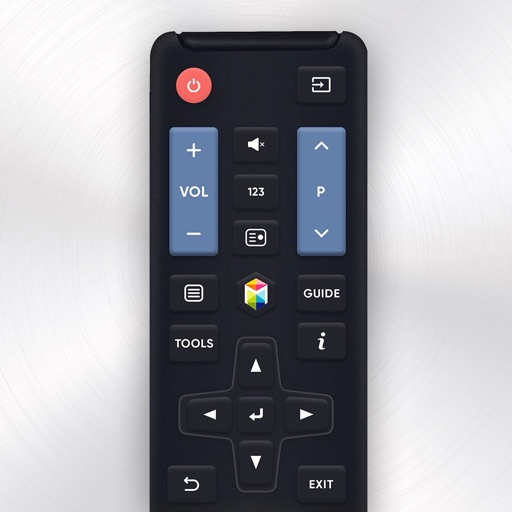
Your Sam TV with an iPhone . Connect to Sam TV via Wi-Fi and navigate using on-screen buttons. Search for available devices in the same network. Access YouTube and Netflix directly. No setup required after initial connection.
TV with a touchpad for navigating menus and launching channels. Automatically detects Smart TV on the same Wi-Fi network. Simplifies with a clean interface and direct channel access.
Control lamps via network with custom color and temperature settings. Manage up to 200 connected devices using group functions and relay transmission. Pair with remote controls for additional control options.
Enable Wi-Fi for guests and set parental controls. Manage connected devices, view network activity, and customize SSID settings. Control your network remotely from any location.
Control devices and compatible TVs with Siri voice commands. Open apps, mute, or power off devices using voice. Integrate with Shortcuts for automation. Manage device settings and access content directly.
Control Samsung TV via iPhone or iPad on the same Wi-Fi network. Navigate menus, adjust volume, and use a touchpad for precise movement. Access voice commands and customize button layouts for different TV models.
Control device via WiFi or Ethernet network. Specify IP address during first launch to establish connection. Adjust settings, navigate menus, and manage recordings remotely from iOS device.