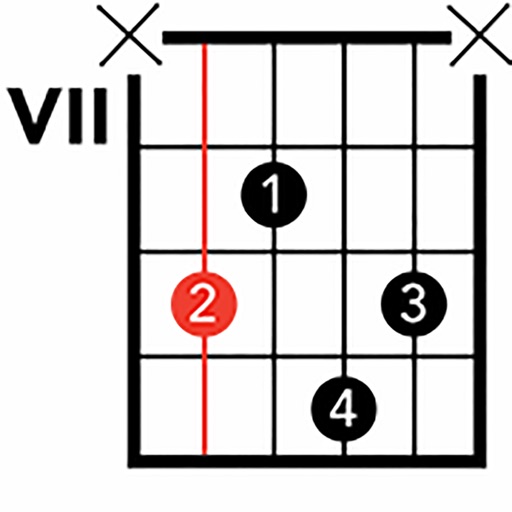
Access fingerings for over 200 instruments. View fingerings on a virtual instrument or as a diagram. Suitable for beginners and professionals. Learn and practice correct finger placements for various instruments.
by Bjoern Griesheimer★ 4.524 ratingsMusicFreeData updated 2026-09-06
Practice ear with customizable exercises for chords, intervals, and scales. Track progress across different disciplines. Use a configurable for visual and auditory learning. Receive guided tutorials and feedback to improve aural skills.
Play musical instruments like xylophone, drums, and guitar with interactive sounds. Solve puzzles and match games to learn . Create simple melodies and explore instrument sounds. Share progress and achievements.
The app provides a tool for users to write and learn music. It offers a fretboard slider for chord positions and inversions, a strumming interface, and the ability to see chord structures.
The app displays fingerings for Violin, Viola, Cello, and Double Bass, including Simandl and Rabbath positions. Users can see and hear notes, intervals, or chords on the piano and utilize key signatures for easier fingering identification.
Controller for iPad with button accordion layout. Connects to CoreMIDI compatible synthesizers. Sends data to software instruments. Controls virtual instruments like Roland Sound Canvas and SampleTank.
Create custom jam tracks by selecting chords, tempo, and style. Generate random chord sequences for immediate playback. Choose from a wide range of musical genres including rock, blues, jazz, metal, pop, and country.