Use your phone camera to draw on any surface. Access templates for animals, cars, and nature. Utilize the built-in flashlight for better visibility. Share completed drawings with friends. Create art using augmented reality technology.
Read tags to view manufacturer details, serial numbers, memory size, and available technologies. Access iCloud-synced read history. Write text or URLs to tags using the built-in tool. Lock tags to prevent unauthorized access.
Create mobile interfaces using 30+ pre-designed components and templates. Customize layouts with React Native and Expo. Integrate with Nativewind for styling. Export code for Android and iOS platforms.
Learn with native pronunciation and tracing exercises. Practice writing letters to improve fine-motor skills. Complete mini-games to progress through lessons. Earn coins and achievements for completed tasks.
Practice tasks with 400+ real questions. Complete interactive exercises for all sections. Track progress and review answers. Access tools for , speaking, listening, and reading. Set daily practice goals and receive instant feedback.
Calculate average grades and dreamgrade based on entered marks. Add, remove, or edit subjects and exams with customizable weighting. Track subgrades and use shareable templates. Adjust number of exams and view detailed results.
Create and organize with customizable front and back content. Add images for visual learning. Choose from templates like dotted, ruled, or blank. Digitize notes and drawings using Apple Pencil. Sync and review on mobile devices.
Write on PDFs, create notebooks with customizable templates, sketch notes on a large freeform canvas, and take notes on vertically extended pages. Organize content across different document types and layouts.
Create and analyze mathematical functions with interactive graphing. Manipulate equations, zoom, and pan graphs. Access a clean interface with logically placed tools. View detailed error messages and scroll through results without navigation clutter.
Create web pages with drag-and-drop elements like shapes, gradients, and hover effects. Design layouts with exact pixel placement. Publish sites directly via integrated FTP. Support for static and responsive design modes.
FITNESS TRAINING GLOBAL ONE MEMBER COMPANY LIMITED
Sketch with AR and AI
AR – Project sketches onto real-world surfaces using augmented reality. objects for precise outlines. AI-powered tools suggest color palettes and brush strokes. Edit layers, adjust opacity, and apply effects.
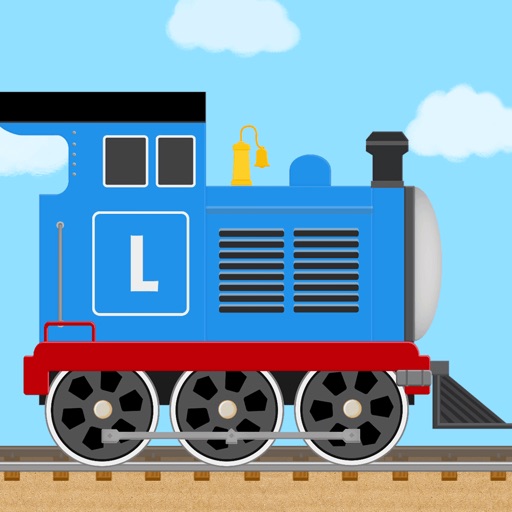
Build and customize trains using colorful bricks and over 60 locomotive templates. Drive virtual trains on customizable tracks. Create and save unique designs in a sandbox environment. Share creations with others.
Create handwritten with customizable pens and highlighters. Annotate and markup PDFs. Record audio . Use AI to enhance note-taking. Organize with folders and tags. Sync across devices. Export in multiple formats.
Learn basics and features through step-by-step tutorials. Access written guides and visual images for better understanding. Create multi-page documents, use clipart, and master copy-paste techniques without an internet connection.
Turn YouTube videos into clean bullet-point summaries with AI. Paste a link for instant extraction. Save summaries in a searchable library. Access structured deep dives and overviews in under 30 seconds. Supports 60+ languages.