Edit photos with retouch tools and apply filters. Create beautiful covers for social media. Upload and share directly from the . Adjust settings and save high-quality versions. Manage privacy settings for content.
Edit photos by selecting images from the library and using an adjustable brush tool to mark areas for removal. The employs inpainting algorithms to seamlessly eliminate unwanted elements and blend the background.
Remove unwanted objects or people from photos and videos by painting them and tapping "erase." Edit images to eliminate pimples or blemishes. Save and share edited content directly.
Edit photos with 100+ presets and trending filters. Apply drip art, neon, and spiral frame effects. Add typo text and customize image sizes for social sharing. Use AI-powered background eraser and blend tools.
The app transforms photos into hand-carved or rubber stamps with options for rough effects and transparent backgrounds. It includes AI background removal and a feature to convert images to vector graphics.
Edit photos with cropping, filters, and adjustments. Remove unwanted objects or people using the Magic tool. Replace backgrounds to create montages. Create collages with pre-designed templates. Export edited photos in multiple formats.
Enhance photos by removing unwanted guests, captions, and stickers. Clean up images with AI-powered tools. Declutter backgrounds and refine details for clearer visuals.
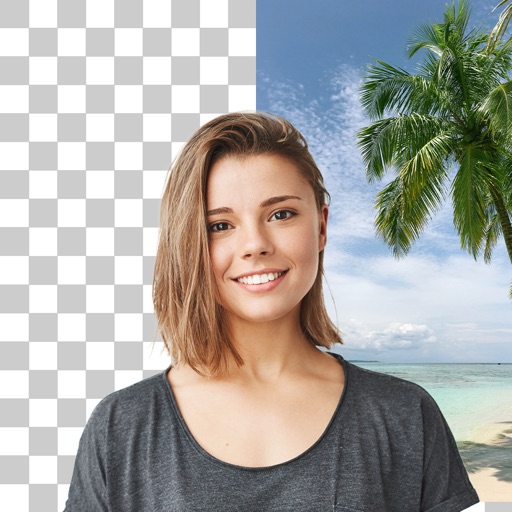
Remove backgrounds and unwanted objects from photos and videos using AI. Tap to remove backgrounds, swipe to erase objects. Edit media quickly with precision. Export edited content directly.