Apps Like Remove objects and background+ for iPhone and iPad
With a tap
From photos with a single tap using AI technology. Edit backgrounds for a polished look. Retouch images and correct flaws on selfies. Adjust colors and brightness for enhanced clarity. Export edited photos in high quality.
by Dmitriy Beloglazov★ 4.4115 ratingsGraphics & DesignFreeData updated 2026-09-06
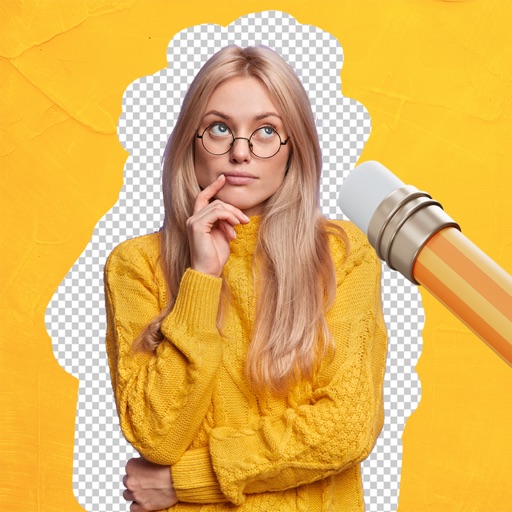
Remove backgrounds from images using AI-powered tools. Select areas to erase and automatically cut out subjects. Export as transparent PNG files. Adjust edges and refine results manually. Share edited images directly.
Enhance photo clarity with AI-based unblurring and quality improvement. Restore old photos by removing noise and sharpening details. Adjust brightness, contrast, and color balance. Export enhanced images in various formats for social media or print.
Elevate resolution with advanced tools. Enhance image quality using precision algorithms. Retouch portraits to refine details. Restore old photos to improve clarity and color. Adjust brightness, contrast, and sharpness.
Capture photos using emulated analog cameras with adjustable settings for color, grain, and visual effects. Import and edit existing images to apply film-like characteristics. Export edited photos in various formats and share them directly.
Edit photos using AI tools to add, remove, or modify elements. Describe edits in natural language for automatic adjustments. Export edited images in various formats and share directly.
Edit photos with cropping, brightness adjustment, and color correction. Apply filters and beauty tools to enhance skin tone and remove blemishes. Save and share edited images directly.
Create images from text descriptions with AI-generated portraits, characters, and scenes. Edit photos by describing desired changes like removing objects or swapping backgrounds. Transform images into various visual styles using AI prompts.
Edit photos with AI-powered enhancements and transformations. Add or replace objects using text prompts. Use AI Brush to paint areas and describe changes for realistic edits. Convert photos into digital art with detailed text inputs.
Edit images with advanced tools including layers, masks, and filters. Adjust colors, brightness, and contrast. Create and edit illustrations, digital paintings, and designs. Export in various formats and share directly.
Edit photos and videos with filters, cropping, and background erasing. Create collages by combining multiple images and videos. Add text, stickers, drawings, and textures. Save edited content and plan social media posts.