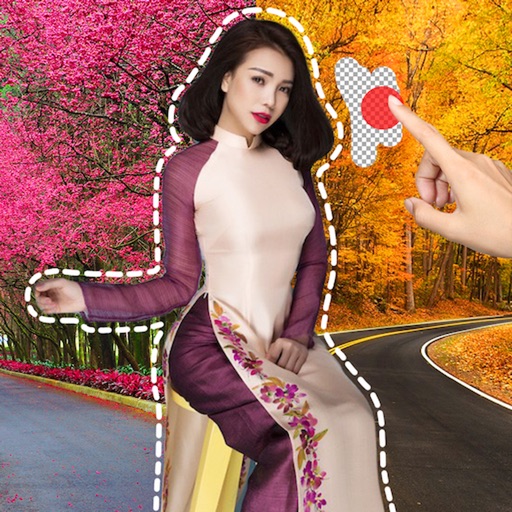
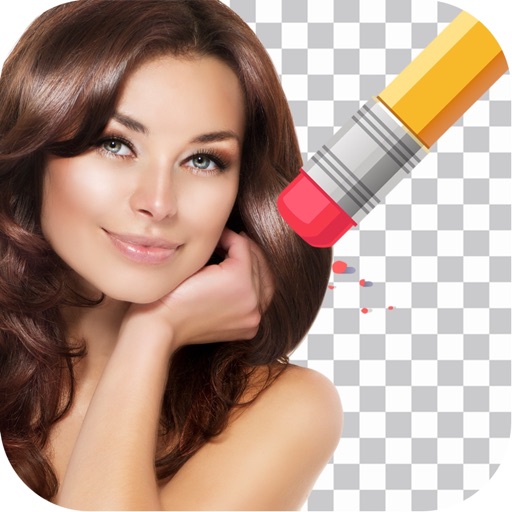
Remove image backgrounds using AI for transparent effects. Edit photos by cutting specific areas manually. Add new backgrounds, text, and stickers. Create profile pictures with customizable options.
by Nothern Studio★ 4.58 ratingsPhoto & VideoFreeData updated 2026-09-06
Edit photos with AI muscle enhancement, reshaping, and face retouching. Add beards and hairstyles. Remove backgrounds. Reconfigure faces with AI reface. Adjust muscles, arms, and chest. Export edited images.
Create videos from text or images using AI effects. Apply AI-generated hairstyles and outfits to profile photos. rt in cartoon styles or old school yearbook trends. Add face filters and makeup to photos.
Remove backgrounds from images and create transparent or colorful alternatives. Edit colors, apply filters, add borders, and include text. Save edited photos as high-quality PNG or JPEG files.
Edit videos and stories with AI-powered tools. Add stickers, filters, and animations. Copy and paste assets between apps. Save media to camera roll for use in other editors. Organize favorites and apply styles with one tap.
Create collages with layouts, filters, and stickers
Create collages using 300+ layouts and customize shapes and aspect ratios. Apply 200+ filters, add stickers, HD backgrounds, text with stylish fonts, doodles, and quotes. Share collages directly to Instagram and other social media platforms.
Edit photos by adding speech bubbles with 15 styles and customizable colors and fonts. Create collages with comicbook-style layouts. Share photos directly from the . Drag, rotate, and pinch elements for editing.
Remove backgrounds from photos by tapping areas to erase. Automatically or manually adjust transparency. Save edited images in HD quality. Export and share edited photos directly.
Create thumbnails and intros for YouTube videos using 500+ templates. Add text with 200+ fonts and effects. Use 2000+ stickers and 500+ backgrounds. Remove photo backgrounds with AI cutout. Upgrade for advanced tools and materials.
Edit photos by removing objects using lasso, rubber, and restore tools. Add custom backgrounds and share edited images with friends. Cut out objects for realistic results.
Remove backgrounds from photos to create transparent images. Highlight the subject and replace the with a new image. Adjust transparency and export the edited photo.
Remove from images using AI-powered cutout. Select between "Star" mode for edge detection or "Auto" mode for pixel-based erasing. Save transparent images for use as stickers in other apps.
Create collages with 64 layouts and custom difference templates. Add photo frames, stickers, captions, and text with font options. Edit backgrounds and export finished collages.
Post photos and videos without cropping for Instagram. Add blur backgrounds automatically. Resize, rotate, and zoom content within the square. Apply effects, filters, stickers, and text. Select no layouts. Support 1080P video. Save in high quality.
Edit videos and photos with background addition for portrait or landscape formats. Apply blur effects without cropping. Share edited content via a new sharing screen. Access media across devices from a centralized library.