Set alarms with customizable schedules and snooze options. Track time zones and current time in different locations. Sync with calendar events for timely reminders. Manage multiple alarm profiles for different days or activities.
by Solitude Colors LLC★ 4.3634 ratingsLifestyleFreeData updated 2026-09-06
This app is an alarm clock designed to help users wake up on time. The only way to turn off the alarm is by getting out of bed and physically spinning until the alarm stops.
Allows users to set timers and reminders for events. View events on the lock screen, Apple Watch, or home screen widgets. Share countdowns with others. Customize colors for countdowns.
Display current time with seconds on home screen, lock screen, and dynamic island. Choose from various faces and digital displays. Use full-screen mode for timers. Set smart alarms with automatic volume adjustment.
Track sleep patterns with detailed analytics. Adjust ambient lighting and room temperature settings. Play guided relaxation sounds and white noise. Set sleep goals and receive personalized recommendations.
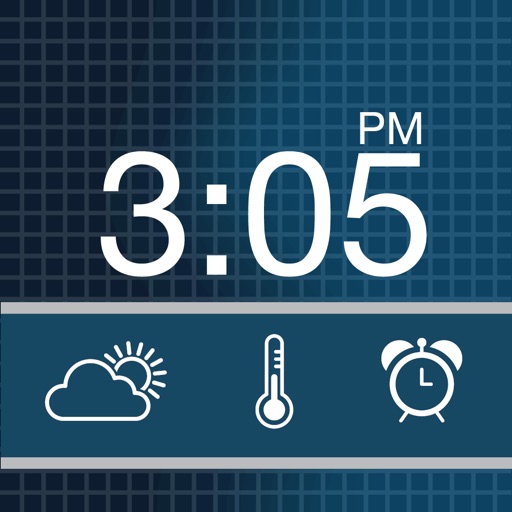
The app transforms a device into a nightstand alarm clock with custom themes and music alarms. It displays weather conditions with custom icons and offers a snooze feature with a countdown.
Set alarms and choose from wake-up challenges to stay alert. Complete exercises, memory games, or math problems to stop snoozing. Track progress and adjust difficulty levels for daily routines.
Offers customizable themes and widgets with support for clear and blurred backgrounds. It includes multiple timers, chimes, and alarms. Features refined animations and sound effects. Supports StandBy mode and allows custom logo setup.
Check time with a double-tap and receive hourly voice announcements. Switch between time zones. Set countdown and repeat alarms. Supports multiple languages.
Set multiple alarms with a single tap. Tap a time in a scrolling sidebar to instantly create an . Customize sounds and snooze options. View and manage all alarms in a list.
Wake up with a gradual that uses science-backed soothing melodies and nature sounds to gently awaken you. Customize volume and timing. Track sleep patterns and set morning routines. Sync with smart devices for seamless integration.
Manage smart lights by grouping them into Rooms or Zones. Control lights remotely via internet connection. Access a scene gallery to customize lighting settings. Adjust brightness, color, and schedules. Sync with other smart home devices.