Documents into high-quality PDF or JPEG files. Save scans locally or share via email. Print documents directly or store them in cloud services. Edit scanned pages for clarity and organize files by folder.
The app visually demonstrates division using a grid of colored tiles. Students can learn the concepts of dividend, divisor, quotient, and remainder through an interactive simulation.
Scan and edit PDF documents using camera scanning. Fill out form fields, markup, and highlight content. Sign documents with a signature. Save, organize, and print PDFs via Wi-Fi. Supports AirPrint and auto-crop features.
The app provides the full text of the New York Surrogate's Court Procedure Act. It offers real-time section number search and fast full-text search capabilities, allowing users to find sections of interest quickly.
Provides full text of the California with searchable sections and real-time number lookup. Allows email or print of selected sections. Includes read-aloud functionality and offline access. Supports searching within search results.
Allows users to scan and erase handwritten notes. It provides detailed solutions to math problems and organizes mistakes for revision. Parents can view and assist with problem-solving and tasks.
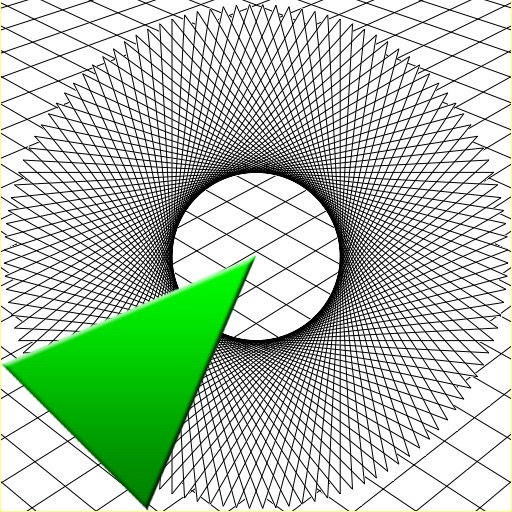
Learn programming concepts through visual commands. shapes by instructing a turtle to move and turn. View programs and drawings side by side. Toggle full screen for larger drawing area. Adjust turtle movements to create complex designs.
Take photos of questions and receive instant answers with step-by-step explanations. Access subject-specific tools to review concepts. Save and organize notes for later review. Share solutions with classmates or teachers.
Learn numbers, hiragana, and basic words through interactive games. Play drills with cute characters and themed elements like food and vehicles. Track progress and repeat lessons for reinforcement. Share achievements with parents.