The app offers a reference library and how-to catalogue for various modeling hobbies. Users can access digital versions of guidebooks and bookazines, including those no longer in print.
Read and navigate texts with fast access to popular versions. Search instantly by any phrase. Switch between versions quickly. Study with built-in tools. No internet connection required.
Transfer files between devices, iCloud Drive, and cloud services like Dropbox, Box, OneDrive, and Google Drive. Upload/download to FTP/SFTP/FTPS servers. Save local files to iCloud Drive. Export files in various formats.
Compress and decompress files in ZIP, RAR, 7Z, TAR, and other formats. Create and extract archives with a single tap. Organize files into folders and manage storage space efficiently. Share compressed files directly or save them to cloud storage.
Photos and scanned documents into PDF files. Edit images with filters, crop manually or automatically, and adjust to black and white or grayscale. Share PDFs via email or other supported methods.
Convert multiple images into a single PDF file. Select and arrange images in a customizable layout. Choose paper sizes and adjust margins. Save and share the final PDF directly.
The app reproduces folder and subfolder structures for organizing PDF documents on iPad and iPhone. It allows browsing, displaying, and managing PDF files within the recreated structure.
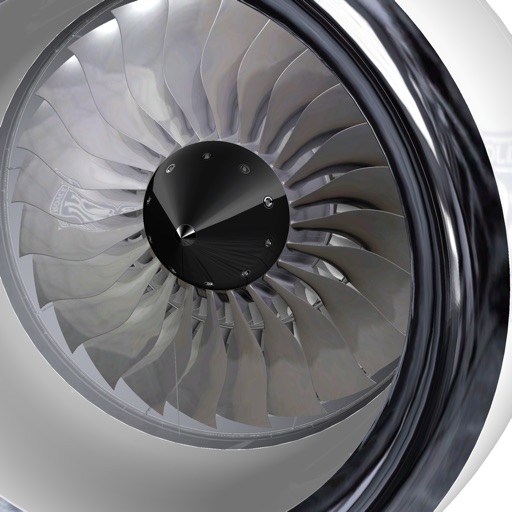
The app displays interactive 3D/2D product catalogs, work instructions, maintenance guides, and manuals. Users can navigate 3D views, identify parts, and access detailed information for mechanical tasks.
Record with high-quality settings. Save and organize recordings in folders. Edit clips by trimming or splitting. Share files via email or cloud services. Set recording timers and alarms. Supports multiple formats and device storage.
Create and manage PDF files by scanning documents, importing images or existing PDFs from cloud services. Add multiple signatures with customizable size and color. Edit PDFs by inserting comments and notes.