MIDI step sequencer with 8 outputs. Send MIDI signals to multiple destinations. Configure step patterns, velocities, and note lengths. Sync with host tempo. Control via touch or MIDI input.
by Axart Labs OU★ 4.521 ratingsMusic$7.99Data updated 2026-09-06
Play musical notes using a MIDI keyboard and pedal connected to iOS or macOS. Access a subset of the 2 pipe organ samples by Joseph Basquin. Adjust settings via the Napo documentation and user manual.
Create music by touching the screen to play notes and adjust sounds. Use multi-touch surfaces like radar, ribbon, or keyboard. Move fingers to modify tones. The semi-generative engine selects suitable notes automatically.
Create progressions and loop them in sync with other apps. Trigger chords via MIDI footswitch. Explore music theory and harmonies. Save and share progressions. Sync with Apple Health.
Play using a full 88-key keyboard. Adjust key size for better visibility. Choose from a sampled or 128 MIDI instruments. Zoom in and out for precise control. No subscription required. Optimized for iPhone and iPad.
The app provides MIDI control for iOS devices, connecting to various DAWs via USB, WiFi, Bluetooth, and more. Users can create complex controls that affect multiple MIDI destinations simultaneously.
Select chords with a single touch. Tap the key button and slide to choose chord types. Play any common chord instantly without presets. Connect to MIDI devices for real-time control. Adjust chord voicings and transpose on the fly.
The app allows users to compose music for various ensembles and offers handwriting recognition with Apple Pencil. Users can import scores, edit notes, and export compositions as PDF, MusicXML, or MIDI files.
Convert files to and play them simultaneously. Highlight piano notes and in real time. Adjust playback speed. Access over 50 classical piano pieces by Beethoven, Mozart, and Chopin. Import custom files from the internet.
Create and manipulate granular audio with real-time sound file granulation. Generate effects like time/pitch shifting and intricate textures. Record, scrub, and shape envelopes. Manipulate buffers and explore complex scrub pads.
The app is a musical instrument designed to play arpeggios. Users can design arpeggio patterns and control speed, pitch, volume, pitchbend, and vibrato.
Create beats and melodies using drum kits, synths, and melodic instruments. Sample audio via phone microphone. Edit MIDI sequences and export tracks to Live. Explore sound libraries and experiment with effects. Save and share musical ideas directly.
Create and edit music with virtual instruments, MIDI sequencing, and audio recording. Arrange tracks, adjust parameters, and export projects. Supports hardware integration for advanced features.
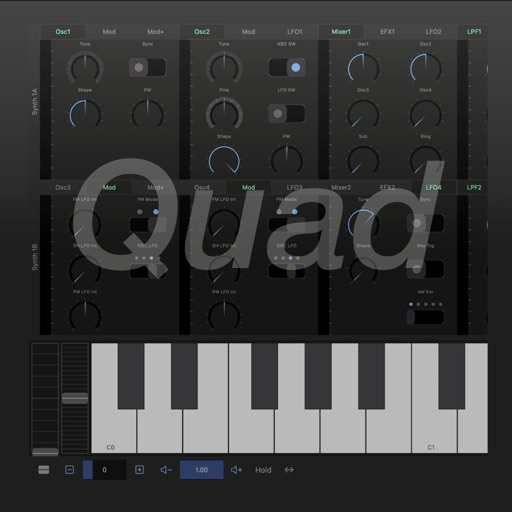
Create and layer sounds using up to four independent synthesizers. Each layer includes three VCOs, a sample or wavetable source, and recording capabilities. Set up to 16 voices per layer.
Create and explore drum sounds using algorithms. Generate unique sets of 12 drums with 8-character codes. Save, copy, or paste codes for later use. Access sounds via AUv3 and Audiobus.