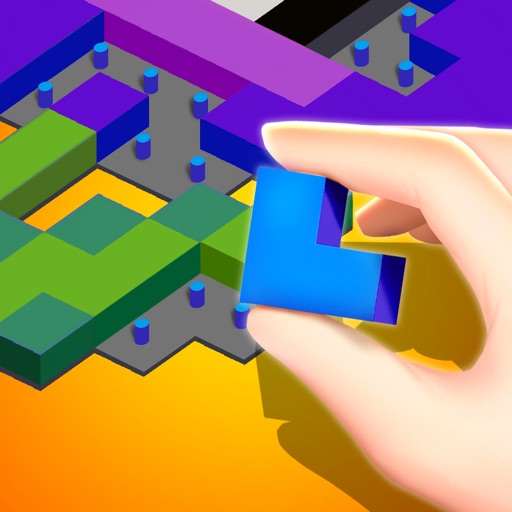
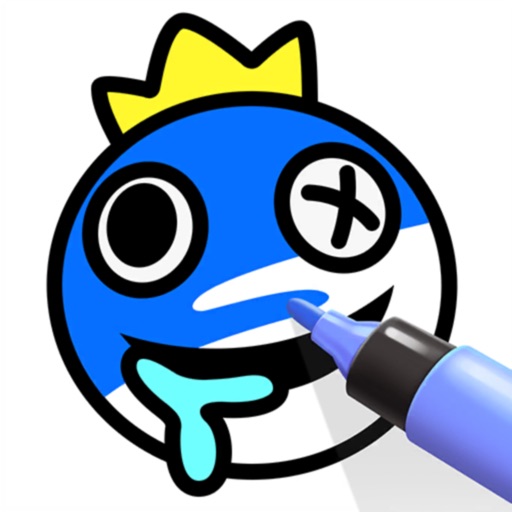
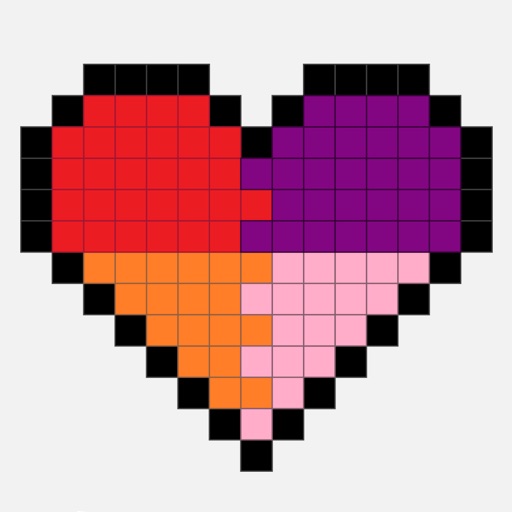
A Brick! lets users create and color brick designs. Choose colors and patterns. Save and share completed projects. Relax and reduce stress through creative activities.
by Minh Nguyen★ 4.759 ratingsGamesFreeData updated 2026-09-06
By numbers allows users to select and color pre-drawn images. Tap to fill in numbered sections with chosen colors. Access new daily pictures and save completed artwork. Share creations via social media.
Play mini-games with drag, drop, touch, and slide actions using one finger. Solve organized puzzles to clear mess and reduce stress. Enjoy sound effects and calming background music for each level.
Play Blast by matching identical tiles to clear the board. Use strategic moves to remove tiles efficiently. Enjoy a calming atmosphere with large, easy-to-handle tiles. Focus on mindful gameplay to relax and refocus.
Create virtual dolls by customizing hairstyles, makeup, outfits, and accessories. Choose a model and design outfits for catwalk showcases. Compete in fashion challenges and share creations with others.
Color and patterns with one finger. Choose from hundreds of designs or create custom ones. Track progress and save projects. Includes calming sounds and guided relaxation sessions. Share completed work with others.
Create and customize artwork using hundreds of themed pages. Choose from various styles and colors to fill in lines. Save and share completed drawings. Explore a gallery of user-generated and pre-designed illustrations.
Play a 3D puzzle with challenging levels designed to improve logical thinking and memory. pairs of numbers to progress through levels. Choose from various 3D objects like animals, toys, fruits, and vehicles.
Color pages using finger drawing or brush tools. Select from various pages. Adjust color intensity and brush size. Save completed drawings. Share finished artwork via social media or email.
Color images using -stitch patterns from categories like animals, flowers, and landscapes. Import personal images or select from gallery patterns. Save and share completed artworks. Track progress and customize stitch details.
Create fluid simulations by touching the screen to manipulate colorful, flowing patterns. Adjust movement speed and observe calming or dynamic visuals. Share created art or save snapshots of fluid animations.
Pages featuring cute animals, babies, and kids. Choose colors and brush tools to fill in designs. Save and share completed artwork. Adjust settings for brush size and opacity. Import custom images for personalization.
By allows users to select and pre-drawn images using numbered sections. Features include a library of artwork, monthly updates, and the ability to save and share completed pieces.
Coloring by numbers lets users select images and fill in colors to create artwork. Features include choosing from themed pictures like travel, animals, and mandalas. Users can paint directly on the canvas and save their work.
Play with 3D pop-it toys to relieve stress. Pop bubbles with realistic sounds. Choose from various 3D designs. Listen to ambient music. Relax and unwind through interactive gameplay.
Create decorative designs using washi patterns. Select from various collections and fill blocks with patterns. Save and share finished designs. Adjust colors and layouts for custom projects.
Play a virtual to relieve stress and pass time. Spin the toy with touch controls. Choose from multiple colorful backgrounds. Adjust speed and style. Share scores and achievements with friends.
Play , Klondike, Patience, and Freecell with customizable difficulty levels. Undo moves, save progress, and adjust game speed. Track completed games and access hints when needed. Switch between and modern designs.
Create and decorate dresses by selecting colors and patterns. Rotate and style dresses with various design elements. Save and share finished creations. Track progress through different styles and challenges.