Edit photos with brushes and black-and-white effects
Edit photos by converting them to black and white and selectively retaining with a finger brush tool. Zoom in and out using two-finger pinching for precise adjustments. Share edited images via email or upload to Twitter, Flickr, or Dropbox.
The app offers a meditative coloring experience with over 750 pictures including mandalas, animals, and more. It provides unlimited color palettes and works offline, allowing users to create satisfying, creative masterpieces.
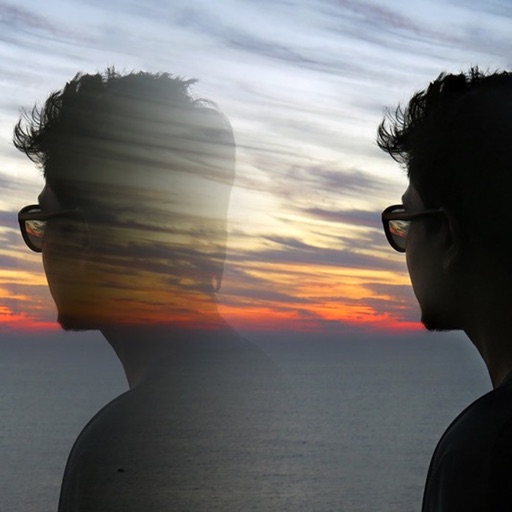
Edit photos with 12 blend modes including overlay, multiply, difference, and exclusion. Combine foreground images from a growing library of over 400 options. Export and share edited creations.
Offers hundreds of patterns featuring flowers, sea, and fantasy scenes. Users can with customizable tools and save their work. Includes blank pages for freehand and relaxation.
By allows users to select and pre-drawn images using numbered sections. Features include a library of artwork, monthly updates, and the ability to save and share completed pieces.
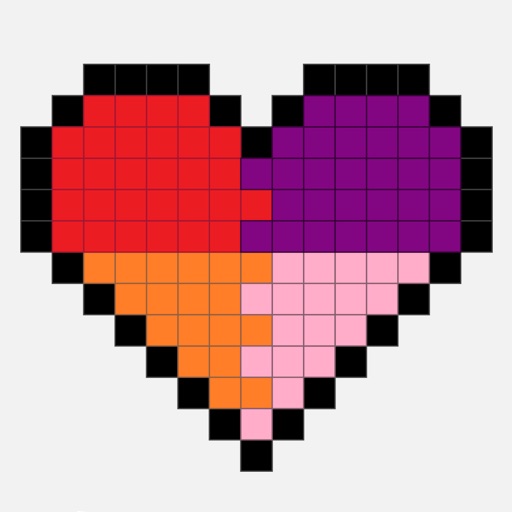
Create by painting individual pixels. Adjust canvas size, select colors, and customize border settings. Erase, undo, and resize drawings. Save artwork to gallery and storage. Share completed pieces others.
Solve puzzles by placing numbers 1-9 in grids. Ensure no repeated numbers in rows, columns, or mini-grids. Track progress and complete puzzles of varying difficulty levels.
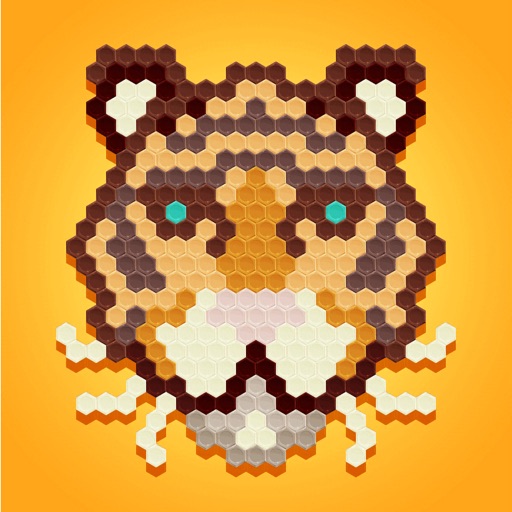
Hexagon boxes to create drawings using suggested colors. Select from various categories. Drag to neighboring boxes. Use a paint roller tool to fill areas. Features intuitive gestures and an elegant design.
The app offers drawing tools, color options, and frame management for creating animations. Users can export animations to video or animated GIF formats and share them.
Coloring book allows users to select images and cells by tapping numbered sections. Features include choosing colors from a palette, following numbered guides, and completing artwork. Users can save and share finished drawings.
Organize photos into curated albums. Apply filters and frames. Add stickers and backgrounds to create custom designs. Track developmental milestones with timeline features. Access exclusive templates and weekly sticker updates with Pro subscription.
Create mandalas using watercolor, crayon, and oil paint tools. Add glitters for sparkle effects. Choose from anti-stress coloring pages and creative templates. Save and share finished artwork.