Apps Like Handwriting Simulator for iPhone and iPad
Generate handwritten drafts from text
Create handwritten drafts by copying text, selecting a paper background, choosing a font, and adjusting size and spacing. Generate realistic simulations for letters, essays, and notes.
by 炜博 金★ 4.321 ratingsUtilitiesFreeData updated 2026-09-06
The app combines a calendar with tasks, allowing users to write and check off daily activities. It offers repeating events, national holidays, reminders, and a D-Day calculator, with iCloud backup and passcode lock available.
Convert paper documents to high-quality PDF or JPEG files. Edit scanned text, add notes, and organize files in folders. Share documents via email or cloud services. Collaborate with others by adding comments and annotations.
Organize and manage recipes with a clean interface. Search, save, and categorize dishes. View ingredients, step-by-step instructions, and cooking times. Import from websites and export as printable guides. Sync across devices.
The app provides practice for English cursive handwriting, including uppercase letters, lowercase letters, words, and sentences. Users can select different content sets and adjust pen border width.
Count down to a scheduled date with customizable reminders. Set a notification time for daily alerts. Adjust background image and font color for personalization. Track progress toward the scheduled day.
Convert .ttf fonts and e-books to .bin, XTC, or EPUB formats optimized for e-ink screens. Customize fonts with line spacing, tracking, size, and weight. Preview font appearance on different e-ink devices before exporting.
The app offers full-screen browsing with unlimited multi-windows and tabs for multitasking. It supports private browsing, font size adjustment, and opening various links within the browser.
Convert handwritten notes into editable text with accurate recognition of scribbles and symbols. Customize pen color and line thickness. Play back handwritten content with adjustable speed and high sound quality. Export notes as text or audio files.
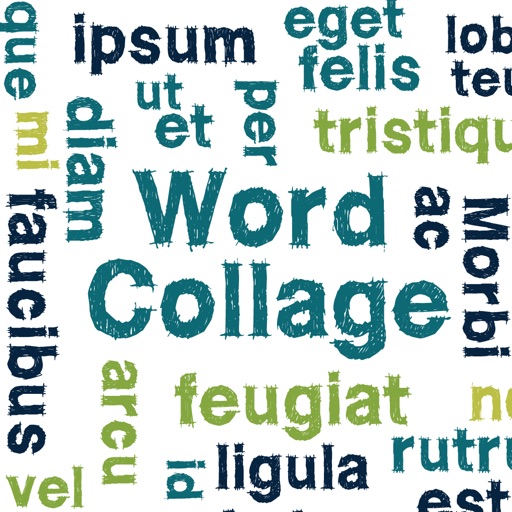
Create clouds by selecting color themes, fonts, and layouts. Choose from six layouts including horizontal, vertical, and half and half. Input text to generate clouds where common words appear larger.
Access checklists, performance tables, and maneuvers for aircraft. Customize checklists with tail number-specific data. Adjust font size and enable night mode for better readability.
Customize message bubbles with colors, gradients, and animations. Edit or delete messages after sending. Share custom styles within iMessage conversations.