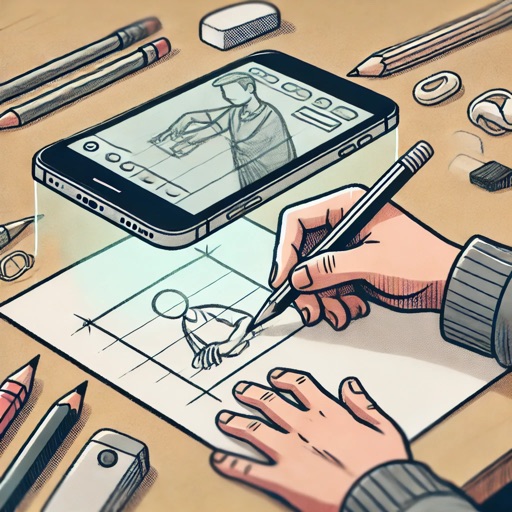
Create and customize digital art with drawing tools and brushes. Add text, shapes, and filters. Save artwork to a gallery and share via social media or email.
by Evan Cedeno★ 4.021 ratingsGraphics & DesignFreeData updated 2026-09-06
Generate AI art by inputting text descriptions and selecting art styles like oil or sketch. Create unique fantasy images in seconds. Access pre-designed templates for inspiration. Export and share generated artwork.
Convert selfies into -style artwork using AI. Upload or take a photo, generate art instantly, and save or share the result. Features include detailed character transformations and one-tap exporting.
Allows children to color on over 120 pages using crayon and glitter tools. Features include painting favorite images, creating simple art, and improving motor skills through interactive . Includes toddler-friendly pages for babies and preschoolers.
Select random tattoo designs from 100+ high-quality artwork options. Choose between small line drawings or larger full-color designs. Add personal images to a custom gallery for unique selections.
Create digital art projections on any surface using connected projectors. Adjust lighting, shadows, and details with voice commands. Share creations with a community or synchronize multiple projectors for collaborative displays.
Create and customize designs with tools for painting, stamping, and adding embellishments. Select and apply Mehndi patterns for special occasions. Manage a virtual with styling options and client interactions.
Convert text prompts into AI-generated artwork. Create and customize visual scenes with detailed descriptions. Export and share finished designs in various formats. Adjust colors, composition, and style settings for refined results.
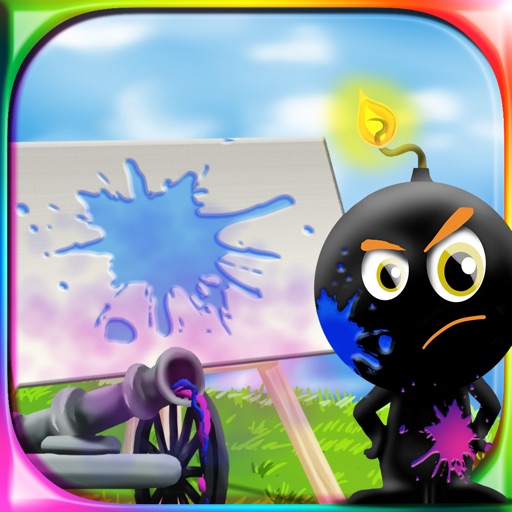
The app provides a drawing experience for all ages. Users aim and shoot colored cannonballs to create artistic splashes on a canvas and use brushes to draw.
The app allows users to create characters by mixing and matching over 70 body parts across four different body styles. Users can share their creations via social media and email, or save them for later editing.
Apply AI-generated art filters to photos using style transfer technology. Adjust brightness, exposure, and temperature for fine-tuning. Save and share edited images directly.
The app offers hundreds of pages for users to color using various tools like crayons, stamps, markers, chalk, and brushes. Users can print and share their finished artwork.
Edit images with cropping, text addition, shape drawing, and filter tools. Use hundreds of thousands of stickers and images. Export NFT art for download and sale on platforms like OpenSea and Rarible.
Create digital paintings with unique brushes and color chaos features. Use Color Jitter for textured effects and Fan Fill or Lasso Fill for quick color blocking. Paint outdoors or on the go with intuitive tools.
Create and customize NFTs using built-in design tools. Upload or draw digital artwork. Add metadata and set royalties. Generate NFTs with AI assistance. Share or sell NFTs on supported marketplaces.
Create digital cards with customizable backgrounds, stickers, and text. Add personal photos, choose from 75 stickers and 30 backgrounds. Email cards or share on Facebook and Twitter. Save creations to the gallery.