Create and customize digital art with drawing tools and brushes. Add text, shapes, and filters. Save artwork to a gallery and share via social media or email.
by Evan Cedeno★ 4.021 ratingsGraphics & DesignFreeData updated 2026-09-06
Create and edit digital art with a wide range of brushes, materials, and fonts. Apply filters, screentones, and blending modes. Use rulers for symmetry and radial lines. Clip masks and record drawing sessions with stroke stabilization.
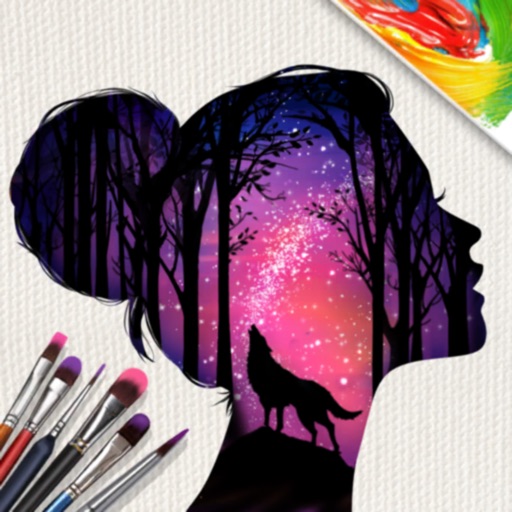
Create surreal or funky art with one-tap effects like double exposure and fragmenting dispersion. Edit photos with intuitive tools, apply artistic filters, and adjust colors. Save and share edited images directly.
Edit photos and videos with filters, effects, and advanced tools. Remove backgrounds, create collages, and design mood boards. Access AI-powered features for art generation and scene switching. Export and share edited content in multiple formats.
Draw by tapping to create art pieces. Use gel, neon, and glitter pens for different effects. Choose from various typographies, graphics, and calligraphies to customize designs. Save and share completed artwork.
Create digital artworks from text prompts by selecting an art style. Users can input descriptions, choose from various styles like Cubist or Dali, and generate images instantly.
Use your phone camera to draw on any surface. Access templates for animals, cars, and nature. Utilize the built-in flashlight for better visibility. Share completed drawings with friends. Create art using augmented reality technology.
"Create art by selecting colors and filling in picture sections. Complete pre-designed images or customize drawings. Save and share creations. Access a library of themed illustrations for endless sessions."
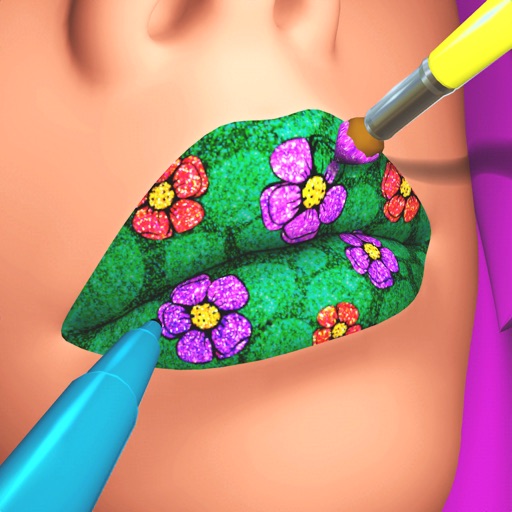
Create custom lip art using lipsticks, brushes, gloss, glitter, sequins, and rhinestones. Design unique lip art styles and share creations. View and compare user-generated designs. Track likes and engagement metrics.
Customize cases with painting and acrylic art tools. Choose colors and patterns to design unique cases. View designs in 3D and share creations with others.
Color : Painting Book lets users select and color pre-designed characters. Features include drawing tools, color palettes, and saving artwork. Users can share completed drawings and access challenges to improve artistic skills.
Create art by spraying colors onto stencils. Select and place stencils to fill in objects. Choose colors and to cover stencils. Remove stencils to reveal completed artwork. Share finished pieces with others.
Create glowing designs by drawing with your . Spin creations to watch them rotate. Customize colors and patterns. Save and share artwork. Explore calming, interactive art experiences.
Create digital art using intuitive touch gestures to generate artwork in various styles. Customize creations with opacity, size, layering, and drawing tools.
Create digital art by adding colors, stickers, and glitter to a blank canvas. Customize artwork with various tools and effects. Save and share finished pieces. Receive feedback on artistic skill through in-game prompts.
Create designs using AI-generated artwork. Choose from styles like black & white, Japanese, and tribal. Customize placement on body parts. Save and share designs. Adjust colors and details manually.
Create art by coloring pre-designed images. Select colors from a palette and apply them to sections of the artwork. Zoom in with two fingers for detailed work. Save and share completed designs.
Create and mix colors using an interactive wheel. Choose from natural and bold shades. Transform images with changes. Save and share custom palettes. Explore creative painting options within a makeup-inspired interface.
Coloring pages allow users to animals, flowers, nature scenes, people, places, mandalas, and more. Follow numbered grids to fill in colors. Save progress and share completed artwork.
Use AR to project drawings onto surfaces. and paint with customizable brushes and canvases. Save and share artwork. Adjust lighting and perspective for realistic effects. Import images to base sketches on.