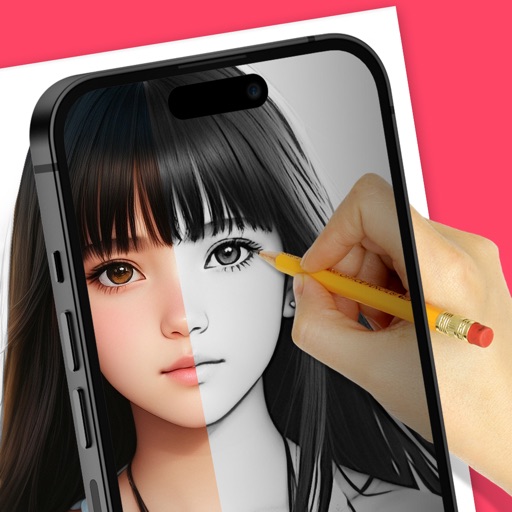
Trace images to create sketches or drawings. Adjust line thickness and brush styles. Use an eraser tool. Apply filters to images. Select from gallery or take new photos. Draw on paper with phone held 1 foot above.
Create projects, add members, and share configurations
Create projects and manage members. Add or remove slides and preview each. Switch background images and clone projects. Share configurations as images or PDFs.
Create a by handwriting with customizable color and pen thickness. Choose from different pen and eraser tools. Undo or redo actions. Save the as an image or copy it to the clipboard. Scale display is available.
Crop and rotate images into various shapes. Add text, arrows, and shapes for annotations. Pixelate sections or draw freehand. Share edited photos directly with contacts.
Create freehand artwork from real-life images using AR technology. , , and paint over live camera views. Add text and stickers to drawings. Export creations in multiple formats and share directly.
Create and share digital art customizable brushes, unlimited colors, and layer support. Zoom, pan, and adjust brush parameters. Rotate, mirror, and undo steps. Participate in challenges like tracing or completing others' drawings.
Write notes and sketches using fingers or a stylus. Choose from five colors: black, red, blue, green, and pink. Save color selections with a bottom button. Draw on a blank canvas with smooth, multi-touch support.
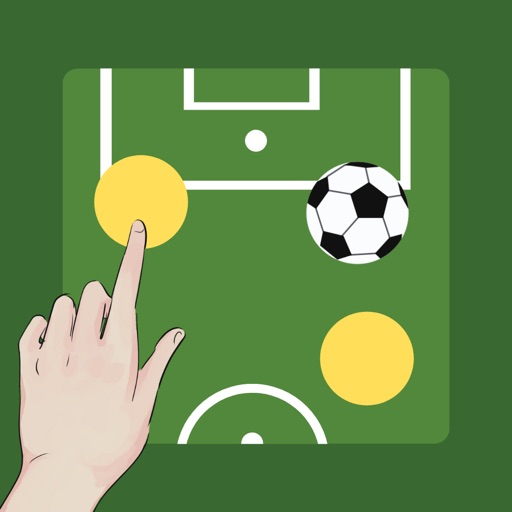
Create and customize boards by adding or removing players and adjusting their details. Set player photos, names, numbers, and positions. Choose coat colors and use a drawing tool with adjustable line thickness and color. Save and share screenshots.
Remove backgrounds from images to create transparent or customized backgrounds. Edit photos to eliminate imions. Replace or erase backgrounds for product images. Export edited images in various formats.