Create video clips from YouTube videos with simple tapping. Tag clips for easy retrieval. Share clips with other users. Open YouTube directly from the to start clipping.
by KC Apps★ 0.00 ratingsPhoto & VideoFreeData updated 2026-09-06
Edit by adjusting with an interactive timeline. down or up clips, including 240 fps to 1/16 . Add pitch to maintain audio pitch. Reverse clips for creative effects. Import from the Photo Library.
Edit videos by trimming, cutting, and cropping clips. Overlay stickers and multiple clips. Add music to enhance videos. Create professional-looking vlogs with intuitive tools. Export and share finished videos directly.
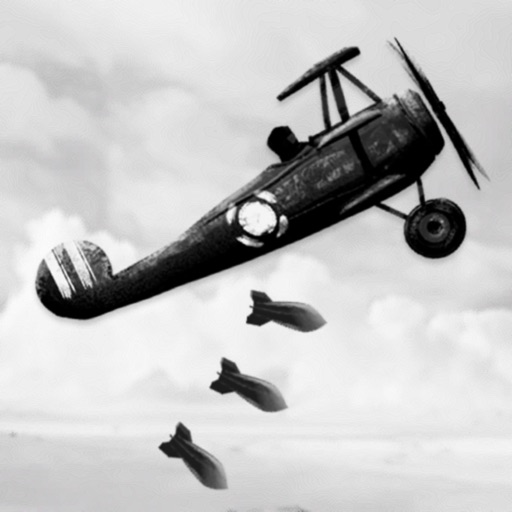
Fight in a physics-based air combat simulation set during World War II. Pilot James and navigate a storyline involving war and love. Track mission progress, manage resources, and interact with real historical information screens.
Record videos with manual controls for focus, exposure, and stabilization. Edit clips with trimming, transitions, and effects. Add text, music, and filters. Share directly to social media or save in high resolution.
Trim clips, adjust transitions, add effects, create
Create custom videos by trimming clips, adjusting transitions, adding effects, and editing audio. Share videos directly to social media or messaging apps. Export in high quality for offline viewing.
Control mobile cameras wirelessly to switch between multiple video feeds. Add graphics, titles, and video clips to streams. Manage audio inputs and apply effects in real time. Stream directly to social media platforms without cables.
Edit videos with trimming, splitting, and merging tools. Add transitions, text, and music. Adjust brightness, contrast, and speed. Export in various formats and share directly.
Convert images and videos to emulate retro computer and console visuals. Apply pixel art filters for Commodore 64, IBM PC, ZX Spectrum, Amiga, Atari ST, Sega Mega Drive, Game Boy, and more. Adjust color palettes and resolution settings.
Edit videos by cutting, merging, and reversing clips. Add watermarks and text. Rotate videos and customize covers. Modify direction and adjust cover images.
Stream podcasts with chapters, transcripts, and cross- comments. Play videos and livestreams. Organize content with drag-and-drop queues. Subscribe to podcasts and auto-download episodes. Enable screen-reader accessibility.
Create videos by combining clips and adding text or frames. Choose from various fonts and adjust video length and text position. Crop videos to square for Instagram or Vine. Add music and adjust volume.
Find and download free , vector graphics, and video clips for commercial use without attribution. Filter by color. Organize files into personal folders. Access content anytime for personal or commercial projects.
Convert videos into interactive Photos for the lock screen. Combine clips from multiple videos to create custom animations. Apply filters and effects to enhance visual appeal. Save and share Photos directly from the .
Lets users divide videos into shorter clips. They can create extended video stories for platforms like Instagram and TikTok. The supports both portrait and landscape formats. Videos export without watermarks.
Save and download TikTok, YouTube, and Instagram videos without login. Edit clips with trimming, merging, and effects. Organize media into folders and share directly from the .
Create short clips from podcasts with 3 distinct layouts featuring 3-frame animations. Export as "Story 1" with background color boxes or full-screen views. Share clips to Instagram, Snapchat, WhatsApp, or Facebook Stories.