Apps Like Ricalko: Camera Lucida Artwork for iPhone and iPad
Create, edit, and share digital art
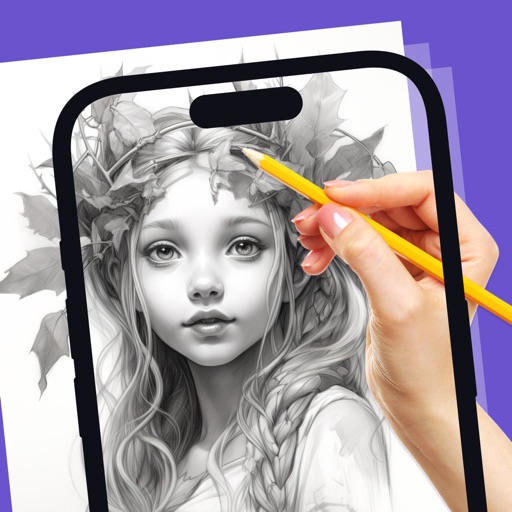
Create by tracing virtual projections of photos on paper, easels, or any surface. Adjust drawing tools for precision. Learn drawing techniques with guided tutorials. Save and share finished pieces. Sync drawings across devices.
by GENOVA Softworks★ 4.282 ratingsGraphics & DesignFreeData updated 2026-09-06
Create digital artwork with customizable brushes and adjust texture, shape, and paper quality. Import and export images in various formats. Access unlimited brushes and tools for free for 30 hours monthly.
Create and share digital art with coloring pages, art games, and tracing tools. Design in 3D and display creations in a personal digital museum. Collaborate on drawings with friends and family.
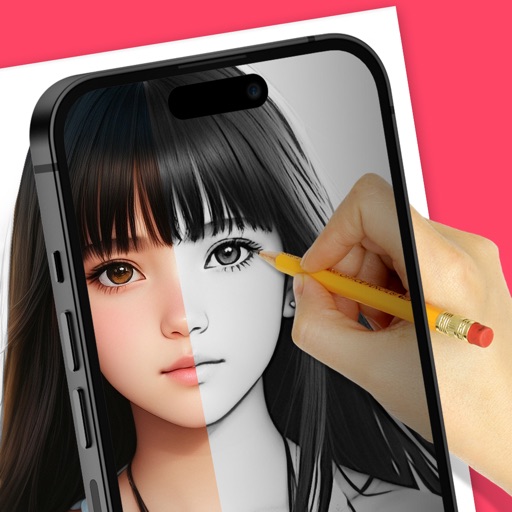
Use phone camera to project anime-style templates onto paper or surfaces. Trace outlines to create art. Adjust lines and colors. Export drawings in various formats. Sync with digital tools for further editing.
Create and project drawings in real time using augmented reality. Trace and sketch on surfaces with your device. Adjust colors and brush sizes. Save and share drawings. Sync with other devices for collaborative projects.
Learn to draw with -by- tutorials and AI guidance. Use your phone's camera as a projector to trace and practice. Access drawing lessons for all skill levels, from beginner to advanced.
Allows users to create artwork on any surface by projecting templates onto real-world surfaces via camera. Users can outline projected images in real life and watch their sketches materialize.
Learn to sketch figures and garments with step-by-step guidance. Create and manage layers for detailed illustrations. Use AI tools to generate clothing and accessories in specific styles. Add body types including models, women, men, and plus size.
Scan documents, receipts, photos, and other important items. Correct perspective and automatically crop detected borders. Adjust borders manually and rotate documents for alignment. Share scanned files with others.
Trace images to create sketches or drawings. Adjust line thickness and brush styles. Use an eraser tool. Apply filters to images. Select from gallery or take new photos. Draw on paper with phone held 1 foot above.
Convert photos and videos into paintings or hand-drawn animations using AI. Apply sketching or painting styles with adjustable textures. Save the artwork process as a video. Choose from five standard art tools.
Use phone camera to project images onto surfaces for tracing. Access templates for drawing and coloring. Color traced images to create artwork. Share finished drawings directly.
Allows users to transfer images to a surface using a . Features include square divisions, perspective distortion for anamorphic images, and support for both iPhone and iPad with Dark Mode. Users can apply distortion to images and export them for .
Convert photos into 8-bit art using AI and manual drawing tools. Adjust colors, resize, and refine details. Export as image files or share directly. Create profile pictures, game assets, or digital art with customizable settings and editing options.
Create art with step-by-step drawing guides. Choose from categories like freestyle, hip-hop, and old-school. View styles in list or grid format. Save and share completed artwork. Adjust colors and brush sizes for customization.