Apps Like Patterning 3 : Drum Machine for iPhone and iPad
Create beats with evolving patterns
Create and edit patterns using a circular interface. Adjust polyrhythms and evolving sequences. Add effects and automation. Export audio files. Share projects directly. Control tempo and swing. Sync with MIDI devices.
by Olympia Noise Co.★ 4.9126 ratingsMusic$29.99Data updated 2026-09-06
Create reverb effects with adjustable room sizes and filters. Modify early and late reflections, add modulation, damping, and diffusion. Use a ducker based on the dry signal. Apply effects to audio tracks in a DAW.
Use a microphone to create live or recorded loops with trigger modes via keyboard. Process sound with bit and sample crusher, delay, and flanger. Play using a 25-key dynamic keyboard or core MIDI.
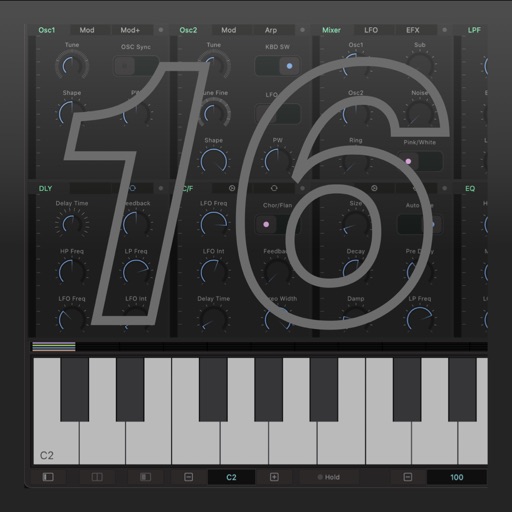
The app is an experimental virtual-analog synthesizer. It features two oscillators with distortion and feedback, a state-variable filter, and two ADSR envelopes.
Create and shape sound using FM synthesis. Adjust oscillator parameters, apply filters, and control resonance. Customize sound effects with modulation options. Export audio files and integrate with DAWs via .
The app provides HD Reggae drum loops for musicians. It features intuitive controls for tempo and gain, with polyphonic percussion soundboard functionality.
Generate clean guitar arpeggios with customizable settings. Tap "Create" to instantly generate riffs. Adjust tempo, scale, and pattern type. Export riffs as audio files. Integrate with DAWs for music production.
Play sounds with studio-quality tones. Use round robin and per-key sampling for authentic playback. Apply effects like delay, reverb, and modulation. Adjust settings for custom sound shaping. Save and share compositions directly.
Create chord progressions using a . Explore over 40 scales with visual representation. View chords within selected scales and compare or borrow chords between scales. Adjust key settings and generate scale-based chord sequences.
ToneBoosters processes audio signals in real time using microphone or external input. It corrects headphone coloration and simulates studio reference equalization.