Calculate personal based on family history and medical data. Provide screening recommendations and educational resources. Encourage consultation with healthcare professionals for medical decisions.
Manage and review patient cases with real-time updates and historical data. Search and view current and past cases. Track testing progress and approve orders. Access interactive results and clinical trial matches.
Search for healthcare providers, pharmacies, and hospitals in the Tennessee Valley area. View contact information and locations. Filter results by specialty and facility type. Navigate to provider profiles for details.
Access cancer staging guidelines, contouring atlases, and DVH normal tissue constraints. Use clinical calculators like GBM RPA. Look up commonly prescribed medications and oncology ICD9 codes. Share feedback for community improvements.
Provide clinical decision support for cancer treatment. Access evidence-based guidelines, treatment protocols, and patient management tools. Track patient progress, review lab results, and generate care plans.
Plan surgeries, calculate capacity, stage cancer, view
Capacity can be assessed using interactive tools. Cancer staging includes detailed descriptions and illustrations. 3D viewer allows hiding and showing structures. Tumors can be placed interactively in models. Anatomical illustrations are provided.
Access guided meditations with calming imagery, sounds, and words. Listen to soothing music. Explore healing art. Set mindfulness sessions for stress relief. Track progress over time. Share experiences with others.
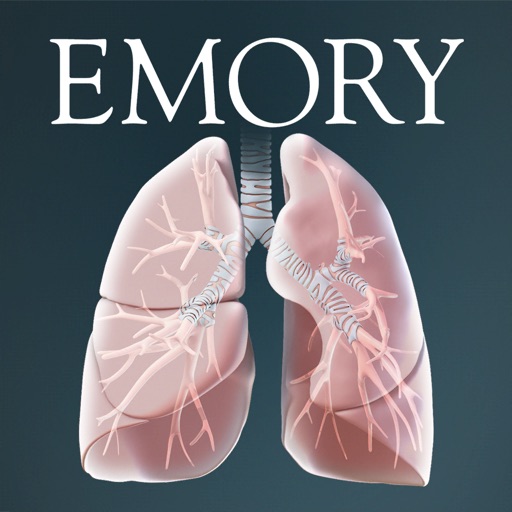
Provides an overview of the function, location, and structure. Explains the disease process and treatment options. Guides users through the journey from diagnosis to treatment.
Guides medical professionals through and tumour classification using the UICC’s 8th edition TNM system. Allows step-by-step assessment, documentation, and comparison of patient data against classification criteria.