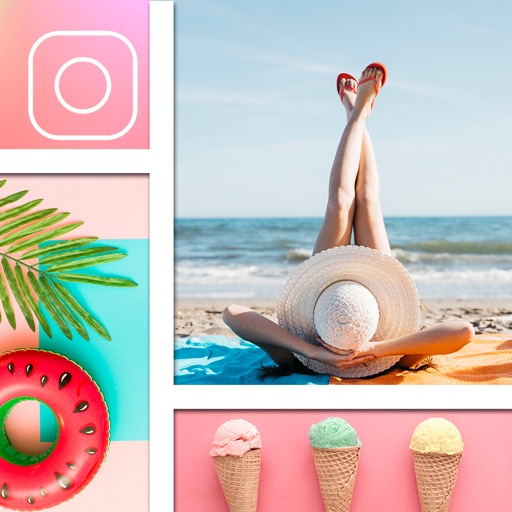
Create poster or template collages with up to 20 photos or videos. Add text to images or videos. Edit photos with filters, cropping, and adjustments. Enhance visuals with artistic text overlays. Export collages in multiple formats.
Create collages by combining photos and videos with over 400 layouts. Apply filters, borders, and edit images or videos. Add music to collages. Share finished projects directly.
Record screen to create scrollshots without taking multiple screenshots. Stitch screenshots together to view long content. Edit and annotate stitched images. Share or save final compositions.
Create collages using photos and videos. Add text, stickers, and backgrounds. Include video clips in collages. Share finished projects directly. Edit images with cropping and filters. Save and export in various formats.
Stitch multiple photos into a single image. Share the result on Facebook, Twitter, and Tumblr. Adjust alignment and spacing between images. Export in various formats.
Create collages by taking overlapping screenshots and cropping them together. Use an automatic image stitching feature for vertical layouts. Save collages to the photo library or share them with other apps.
Create collages from photos and videos for social media posts, stories, and thumbnails. Edit videos with trimming and grid layout options. Add blurred backgrounds without cropping. Share content directly to platforms like Instagram and TikTok.
Edit photos with filters, cropping, and brightness adjustments. Add text, stickers, and frames. Create collages and enhance images for social sharing. Trim and cut videos. Export in multiple formats and share directly.
Stitch multiple screenshots into one long image using auto-stitching. Split images into sections with customizable layouts. Edit stitched images with mosaic tools and phone frame overlays. Clear areas intelligently to improve image quality.