Create audio visualizations with GPU-accelerated graphics and phosphor glow effects. Switch between linear and circular waveform displays. Choose from multiple color schemes. Tap to toggle controls. Sync with host or use as standalone .
Playback of clips from a instance. Tap to start or stop individual tracks. View all 75 active recordings on the rack. Manage playback directly from the iPad interface.
Load audio files from device storage, iCloud Drive, or other file providers. Control playback with auto pause, repeat, and cross fader features. Edit tracks with mounted track editor. Use sample pads with adjustable layouts and play modes.
The app integrates with local music libraries and SoundCloud for DJ mixing. It offers tools like tempo sync, looping, and EQ for precise song blending and recording capabilities.
The app is a powerful step sequencer for creating melodies, chord progressions, arpeggios, drum grooves, and basslines. It offers features like chord programming, sequencer ratcheting, shuffle, drag'n'drop, and MIDI learn for unique sound creation.
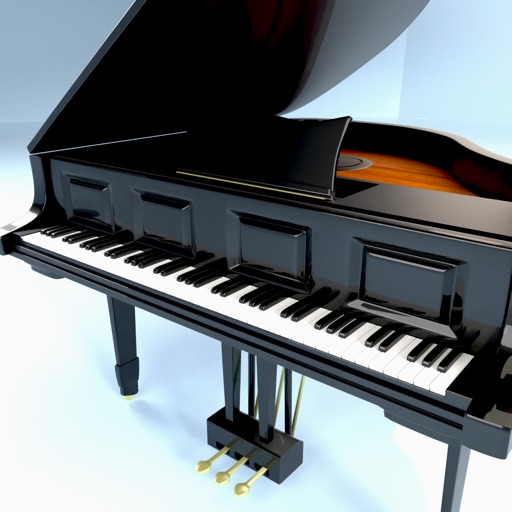
Play using a USB MIDI keyboard with 25 or 37 keys. Connect to iPad for full functionality. Access tutorials for setup and use. Select instruments and adjust settings. Export audio recordings. Control volume and effects. Sync with other music apps.